













Magic Drawing Pad
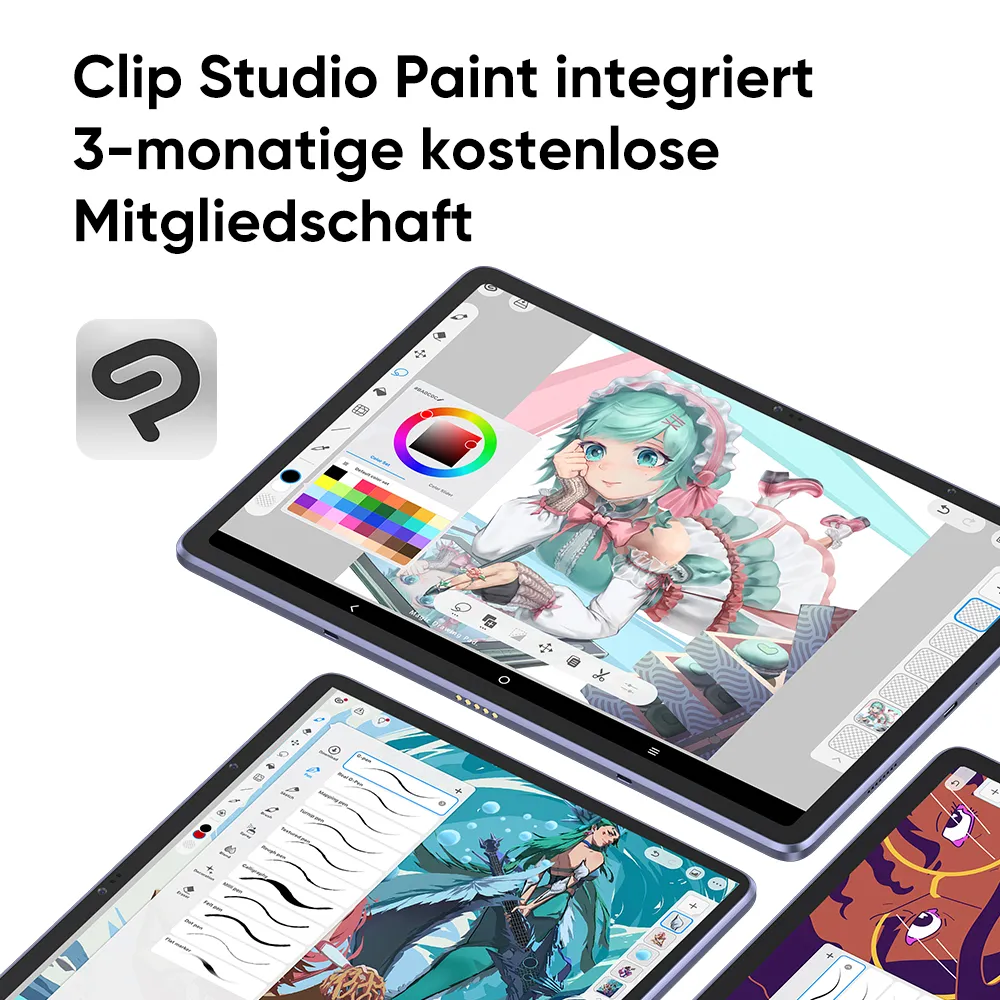
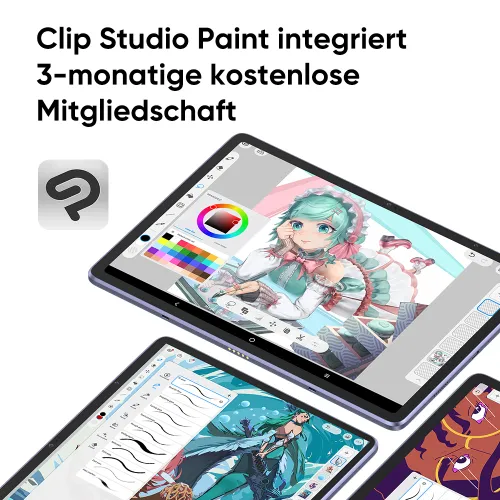
kostenlose Kreativsoftware
2/11![https://resource.xp-pen.com/Uploads/images/20260227/tTAoe1wbwVHxhpSt70zP_500_500.webp]()
![https://resource.xp-pen.com/Uploads/goods/20260121/Le3fSudIcxEmhBGTREVo_500_500.webp]()
![https://resource.xp-pen.com/Uploads/goods/20240815/K6FMQKPS7yZYQkOO9tSA_500_500.webp]()
![https://resource.xp-pen.com/Uploads/goods/20260121/tBYjf9W7Rg9PuAM0bGc2_500_500.webp]()
![https://resource.xp-pen.com/Uploads/goods/20260121/ABtQj0zhnKmpes8Shc2k_500_500.webp]()
![https://resource.xp-pen.com/Uploads/goods/20260121/x1KhD56H3Rs2l0sII6H_500_500.webp]()
![https://resource.xp-pen.com/Uploads/goods/20260121/COZrLZaSWEQF2aai6ns_500_500.webp]()
![https://resource.xp-pen.com/Uploads/goods/20260121/bXHXOIqYgpQLuvB3bpjh_500_500.webp]()
![https://resource.xp-pen.com/Uploads/goods/20260121/PgsBakV6I9qnk5aSUuXr_500_500.webp]()
![https://resource.xp-pen.com/Uploads/goods/20260121/NzQLNf2PLy3Hx8fSlQqL_500_500.webp]()
![https://resource.xp-pen.com/Uploads/goods/20260121/fiD3wNNEHr5p18Xv6jcQ_500_500.webp]()
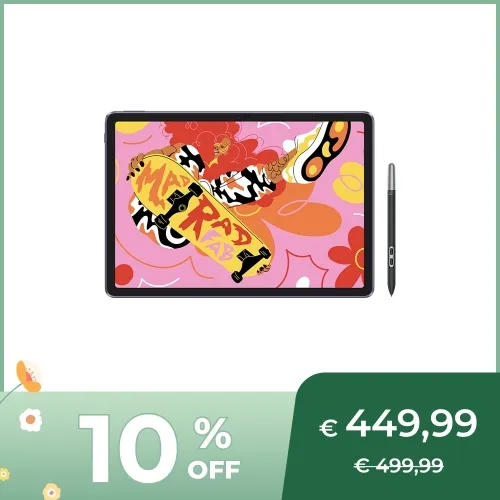

Magic Drawing Pad
Keine Verbindung mit PC erforderlich
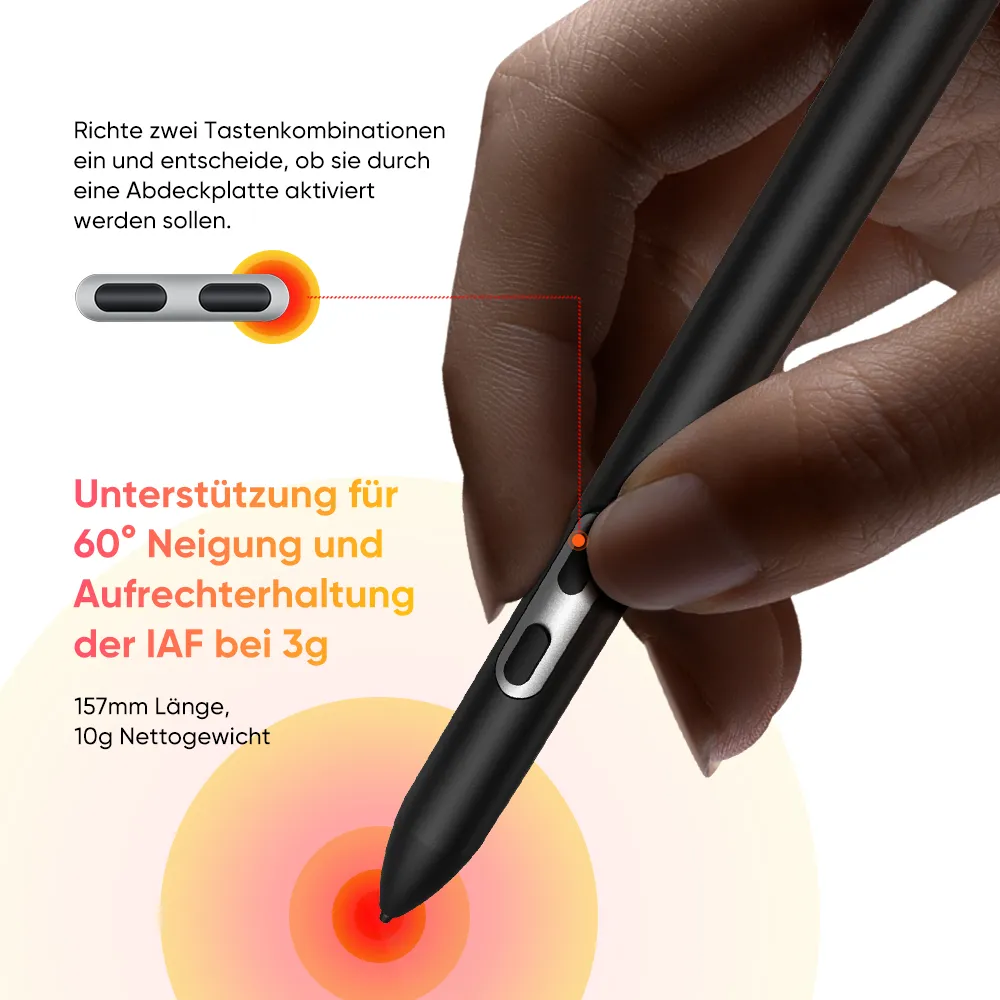
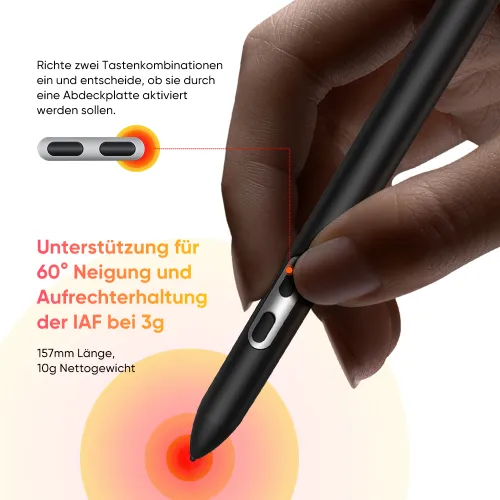
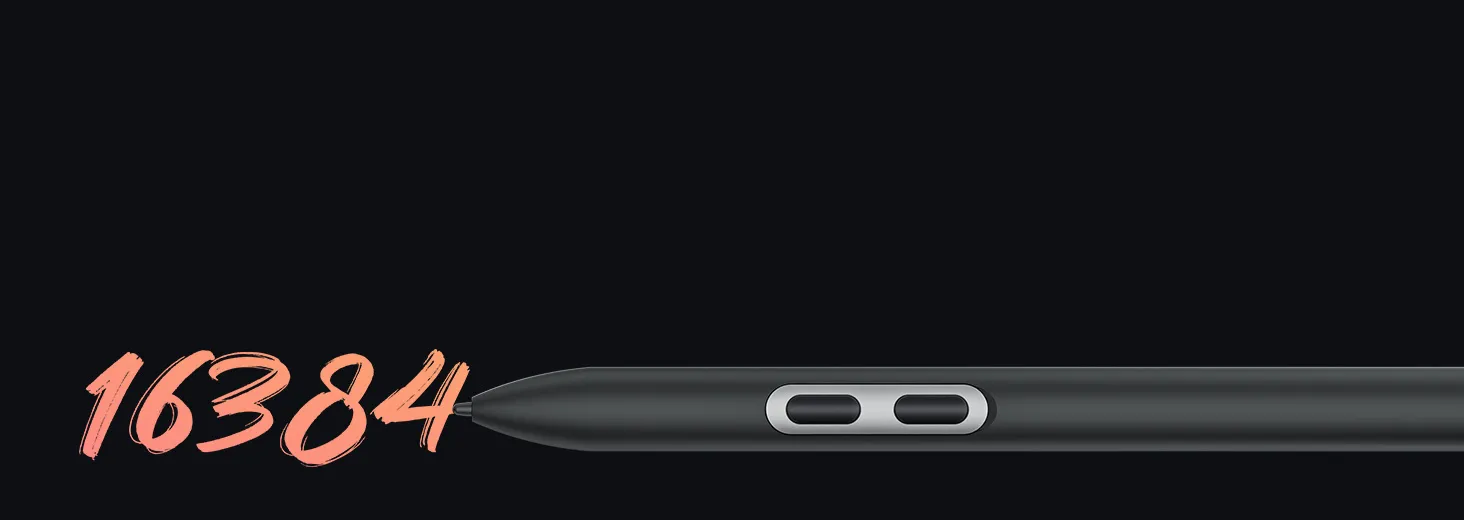
✔ X3 Pro Pencil - 16K Druckstufen
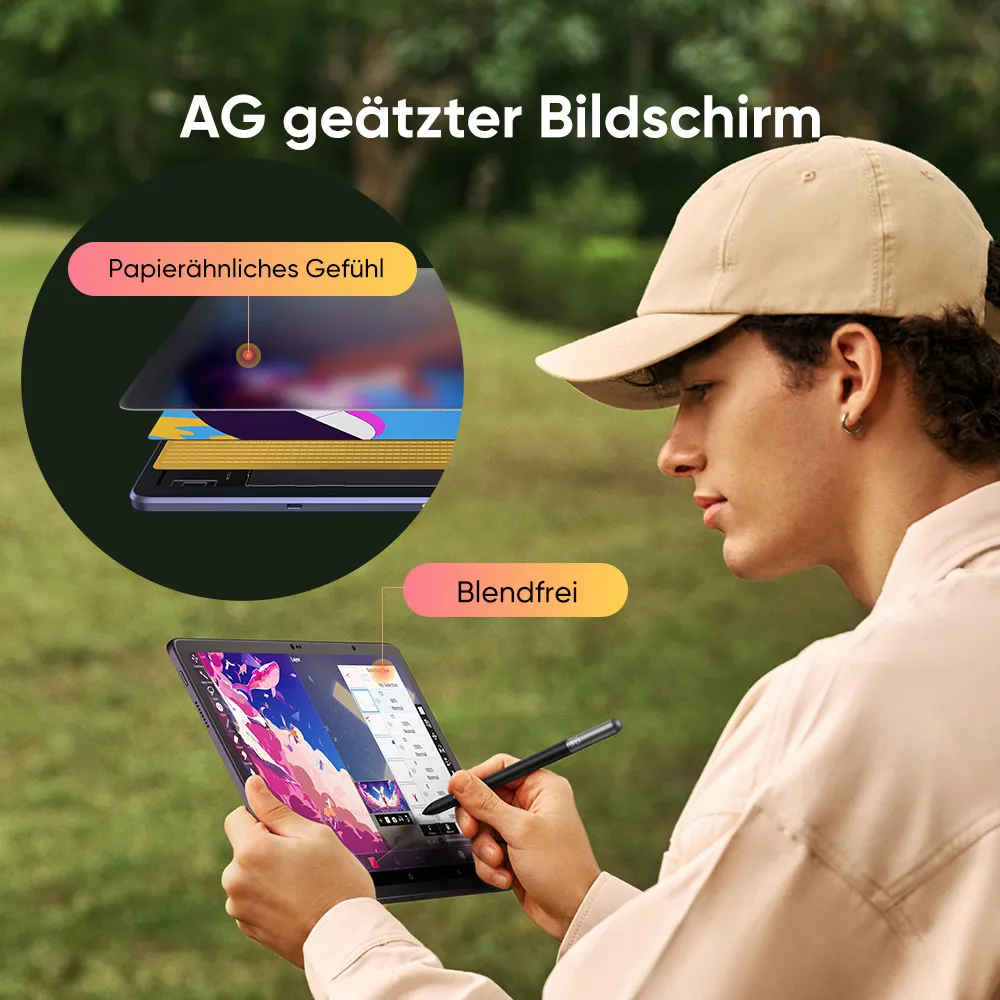
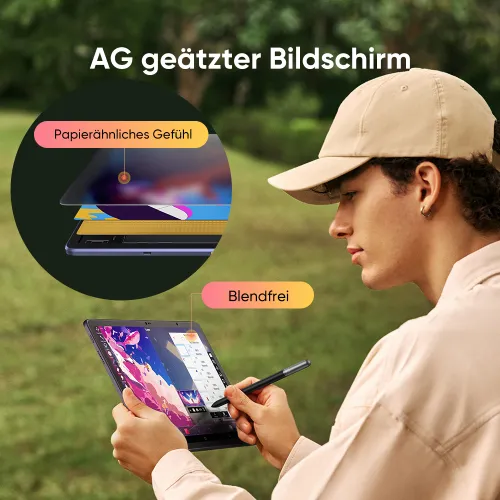
✔ AG geätztes voll-laminiertes 12,2 Zoll X-Paper Display
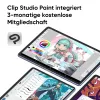
✔ ibis Paint X für 3 Monate kostenlos
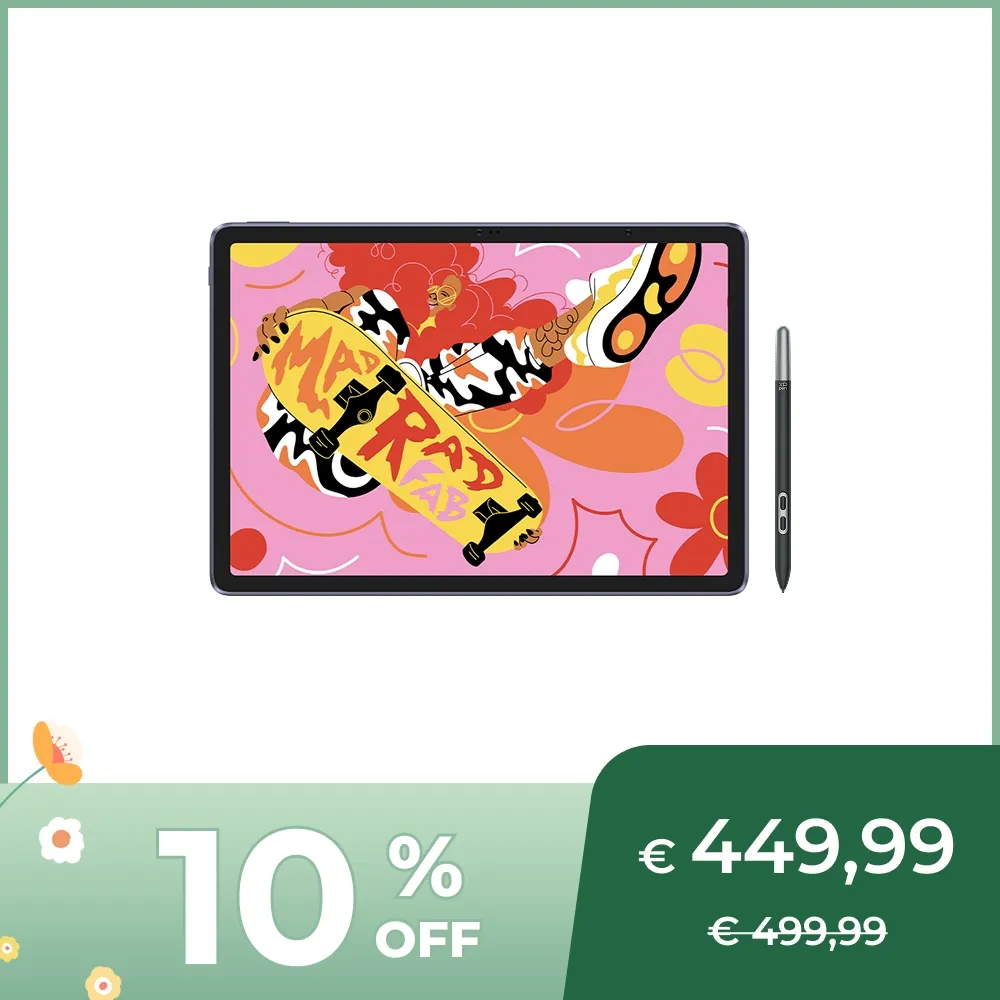
€449,99€499,99
Endet in
Versand aus Deutschland, Lieferzeit 2-4 Tage
Kostenloser Versand
Kostenloser Versand nach DE, AT, NL, FR, BE, LU
Qualitätssicherung
24 Monate Garantie
Sichere Zahlung
Ihre Zahlung ist sicher und geschützt.
Edition:
Android 14
Optionales Zubehör
Mehr erfahren
Mengen:
Gesamt
€0,00








Sorgenfreie Lieferung mit seel
Logistik:
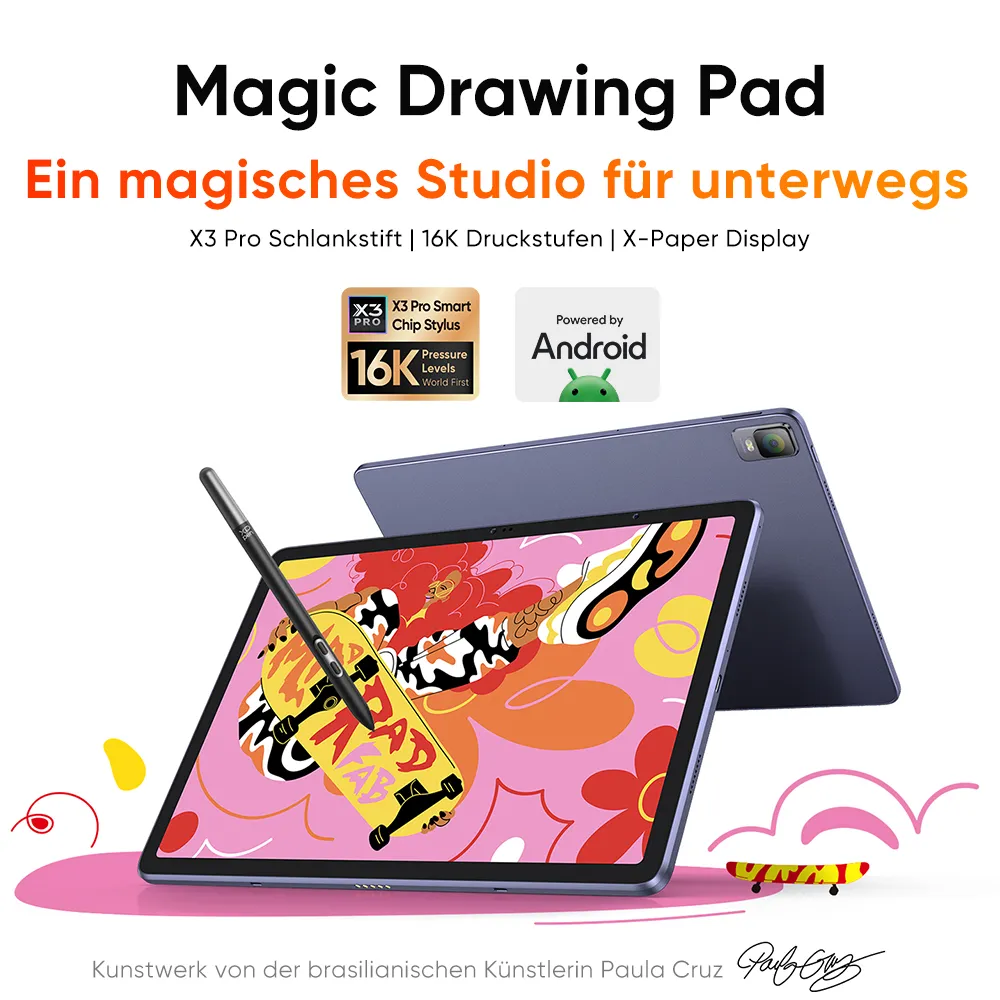
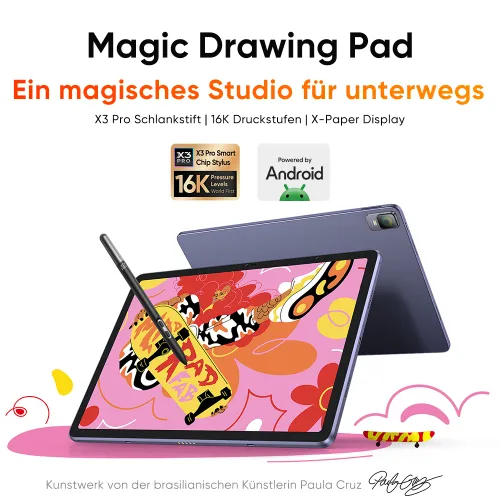
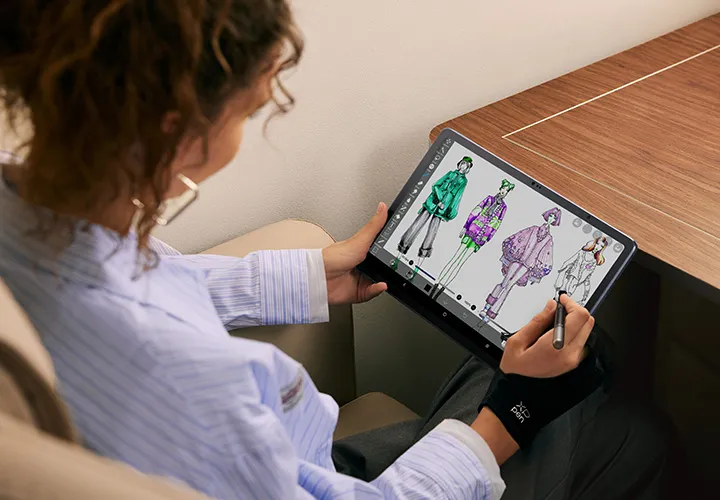
Magic Drawing Pad
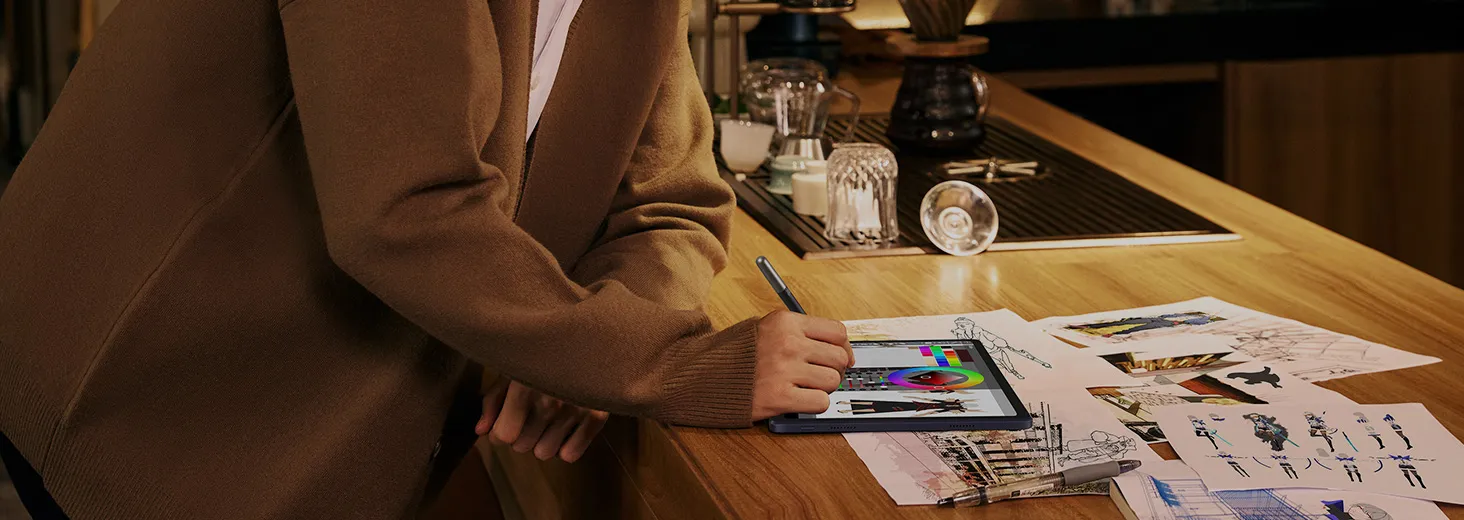
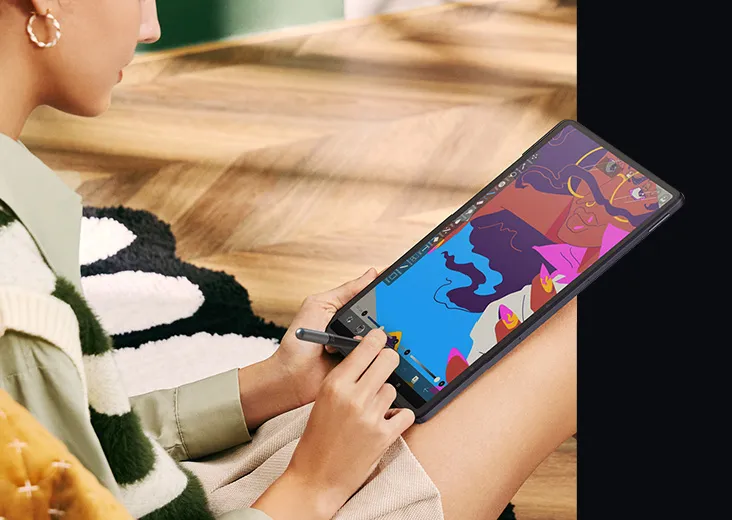
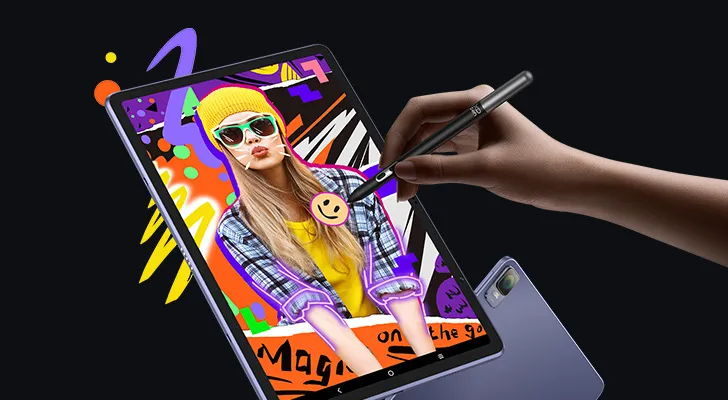
Ein magisches Studio für unterwegs
X3 Pro Pencil | 16K Druckstufen | X-Paper-Display


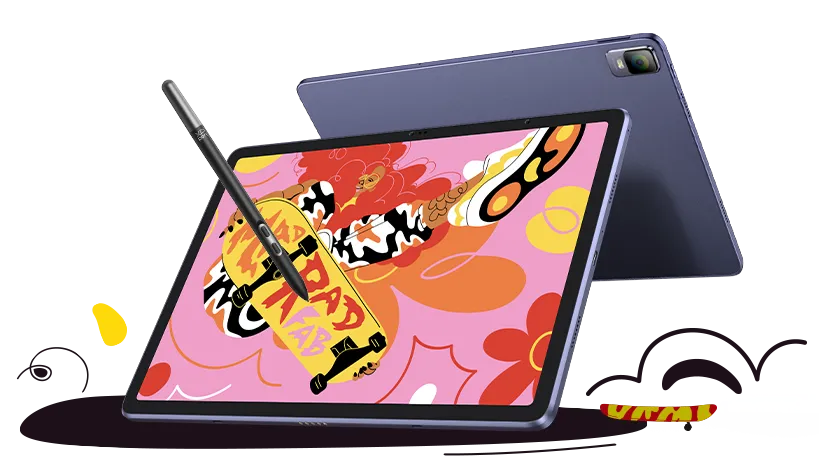
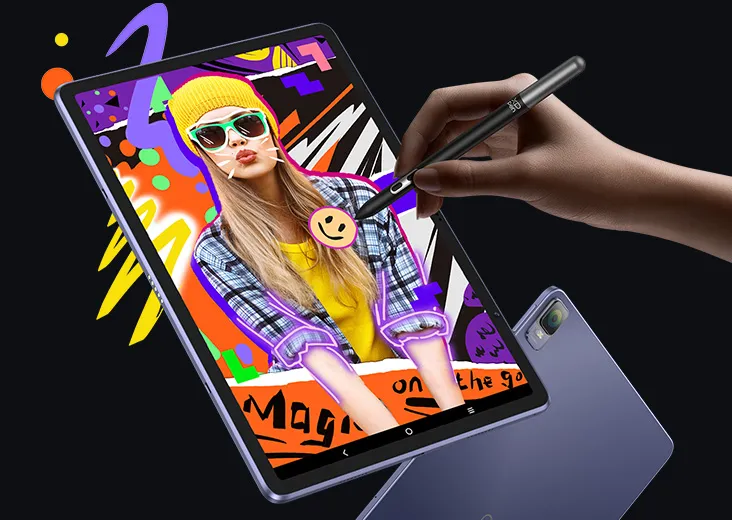
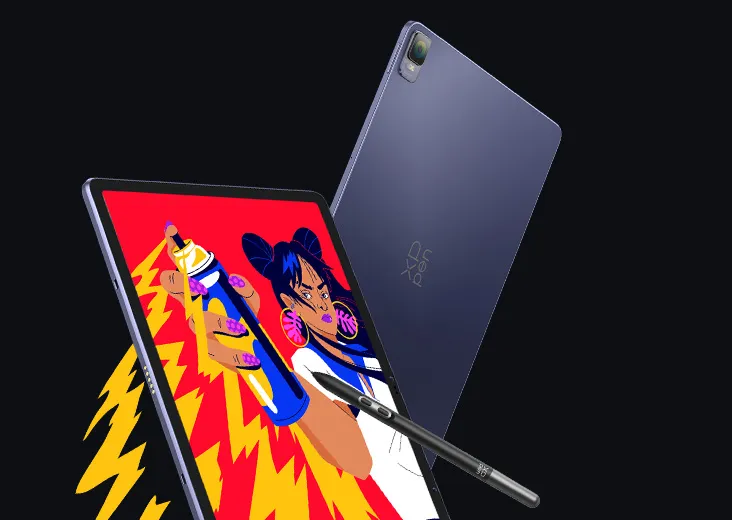
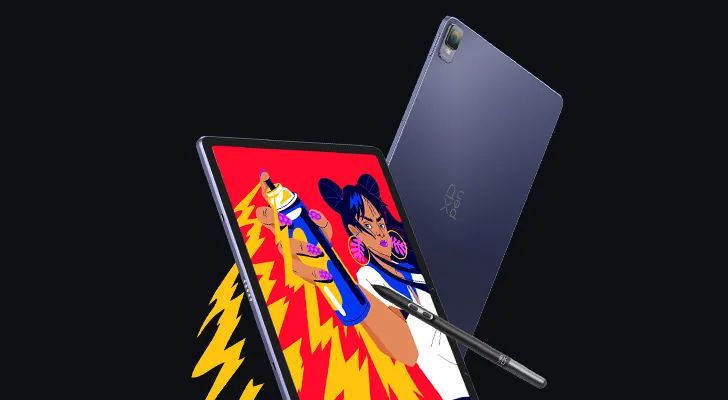
Kunstwerke der brasilianischen Künstlerin Paula Cruz
Vergleichstabelle zwischen Version Android 12 und Version Android 14
Produkt
Betriebssystem
Farbe
Ladeeffizienz
Stift

Android 12
77% NTSC 109% sRGB
18W
Volle Ladezeit: ca. 3,5 Stunden
PD04 (X3 Pro Stift)
 new
newAndroid 14
82% NTSC 115% SRGB 97% SRGB
33W
Volle Ladezeit: < 2 Stunden
PD51 (X3 Pro Schlankstift)
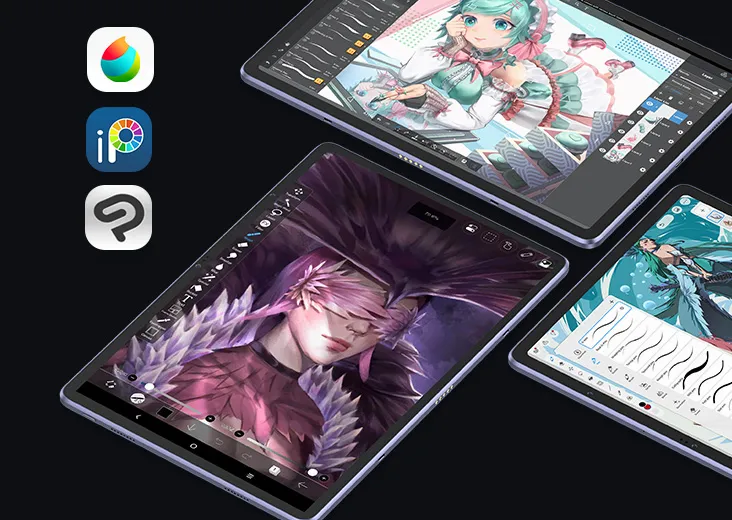
XPPen ArtMobile
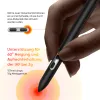
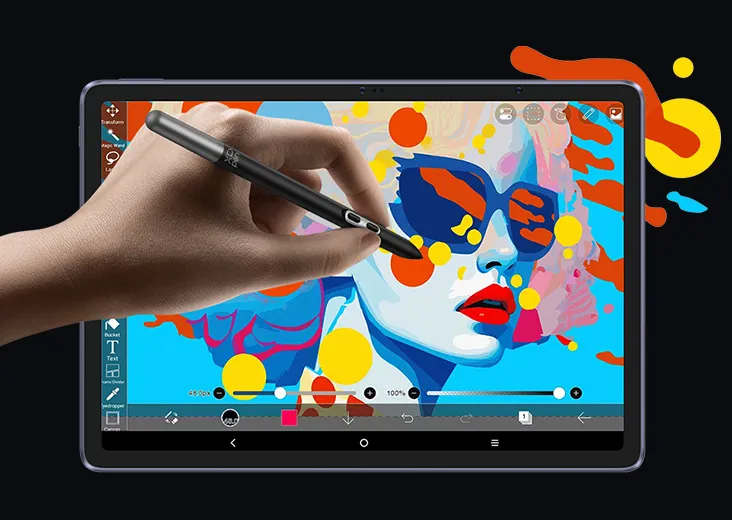
X3 Pro Stift
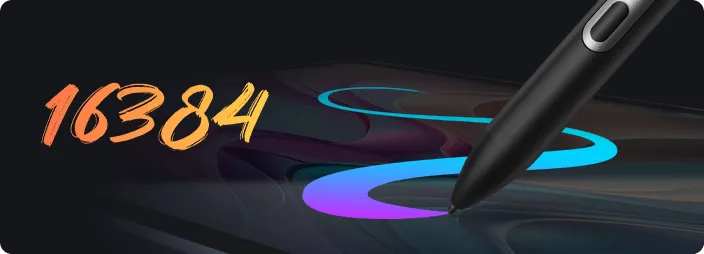
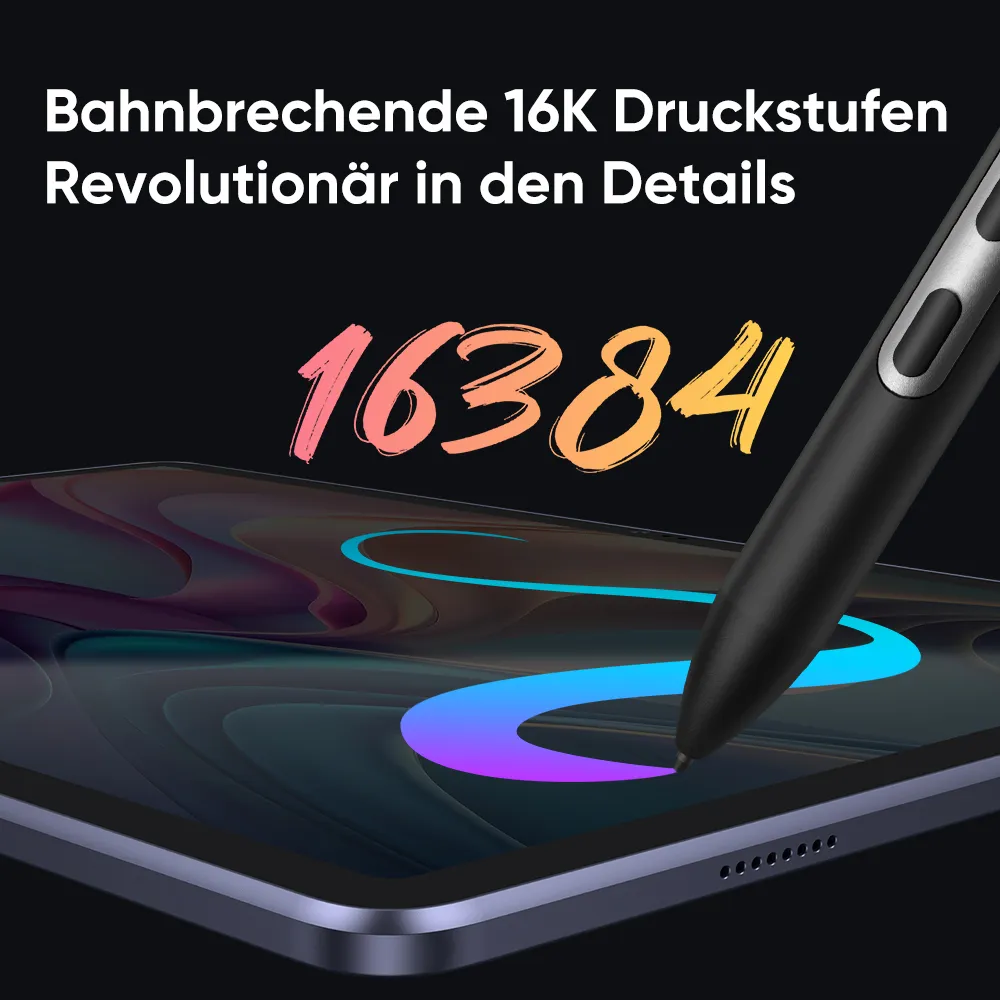
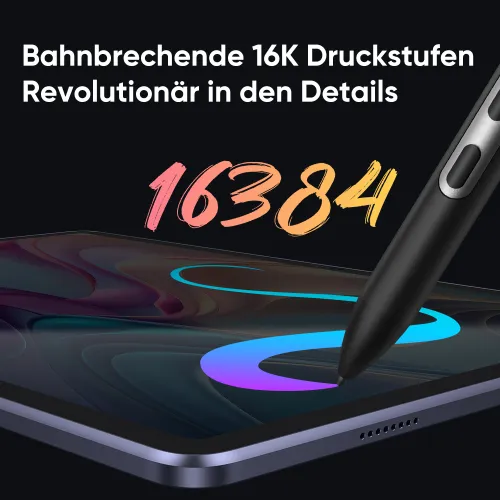
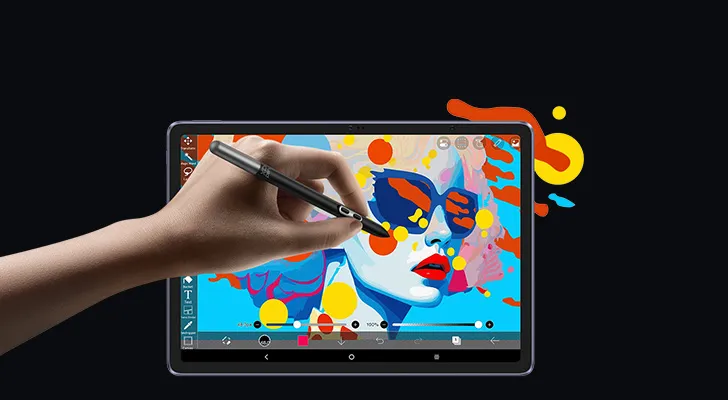
16K Druckstufen
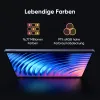
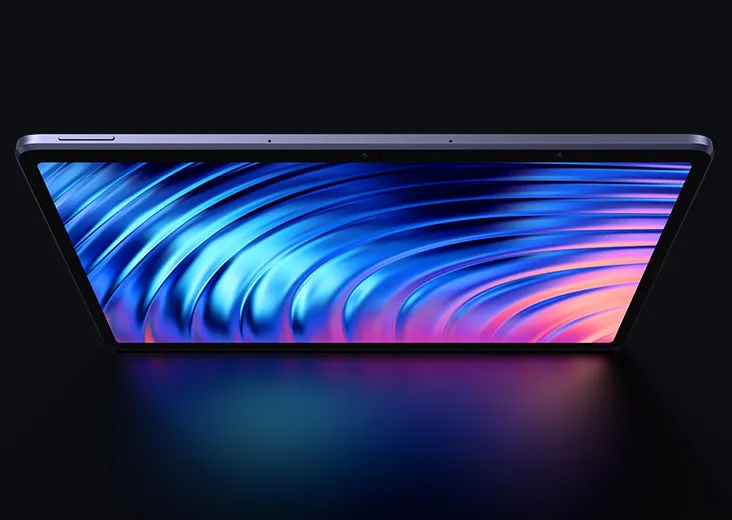
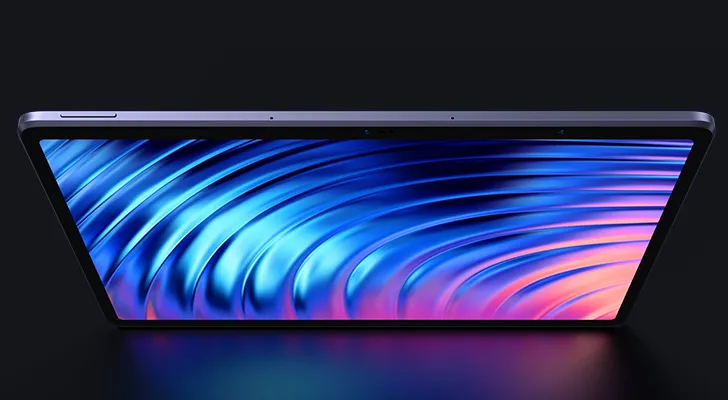
X-Paper-Display

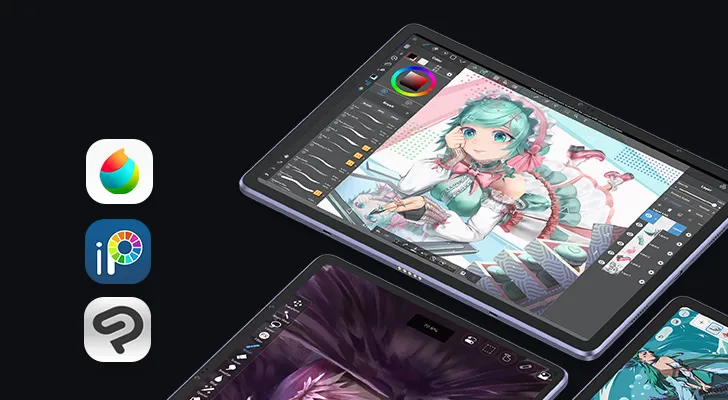
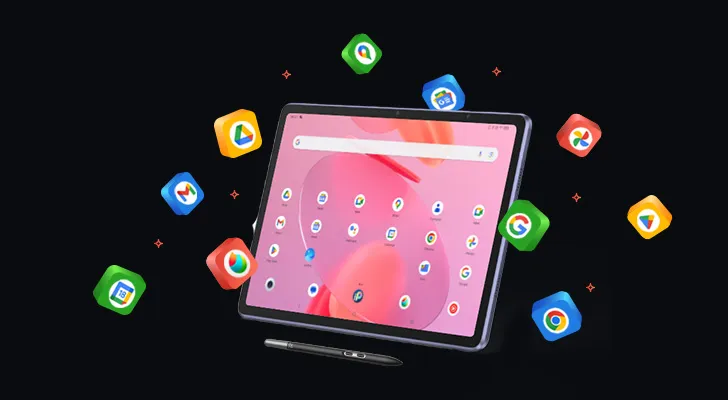
Vorinstallierte Apps
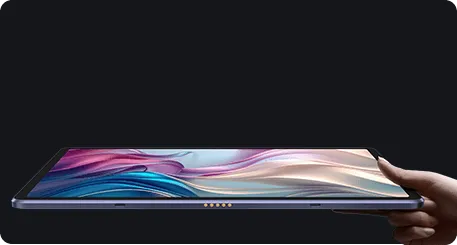
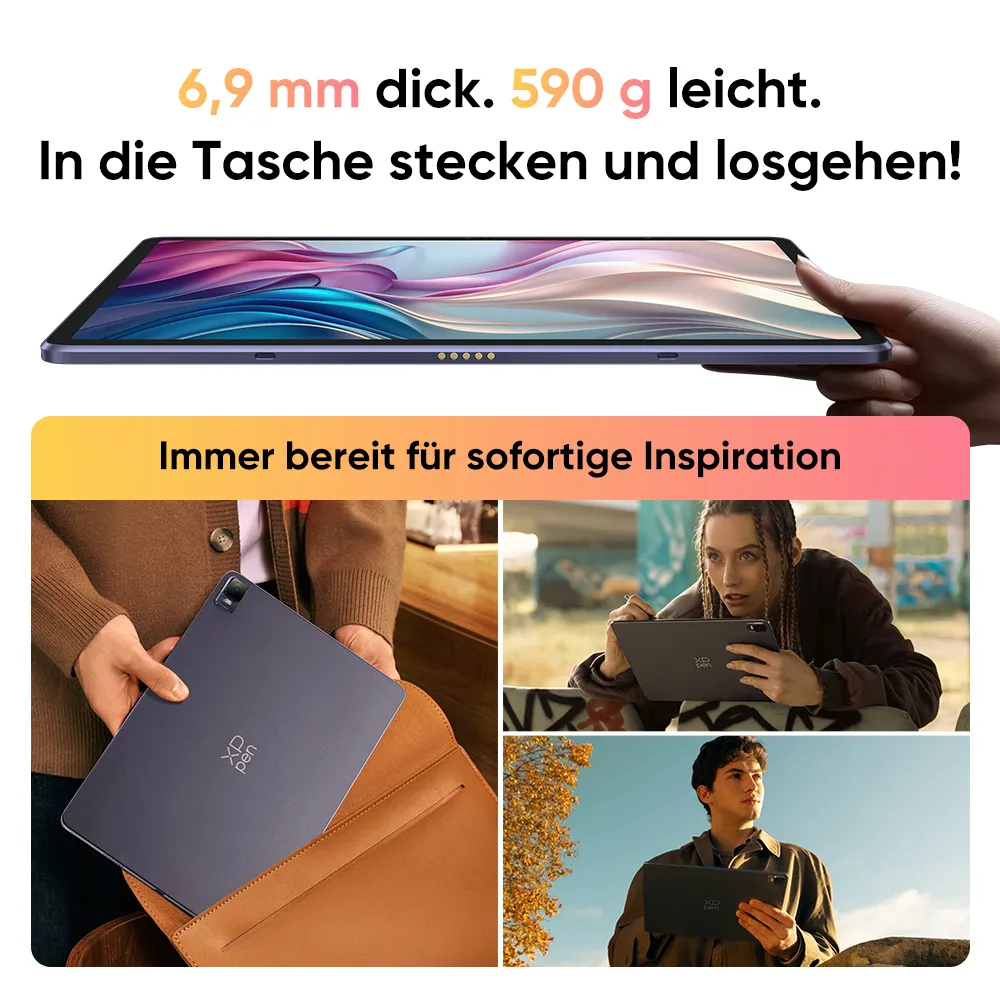
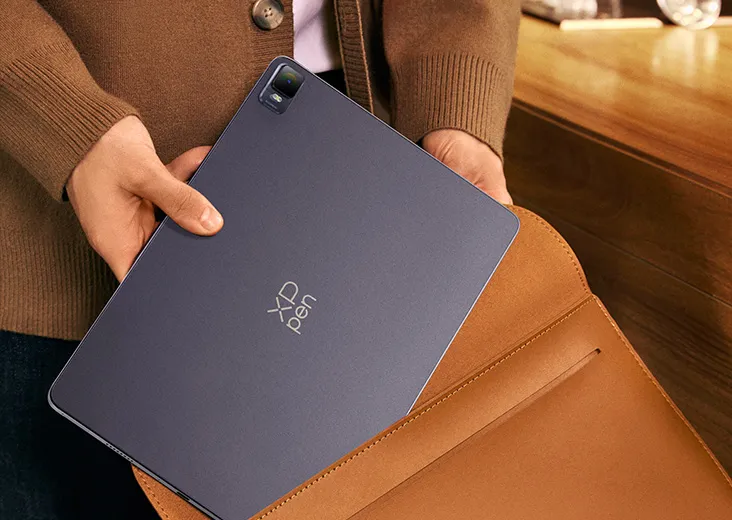
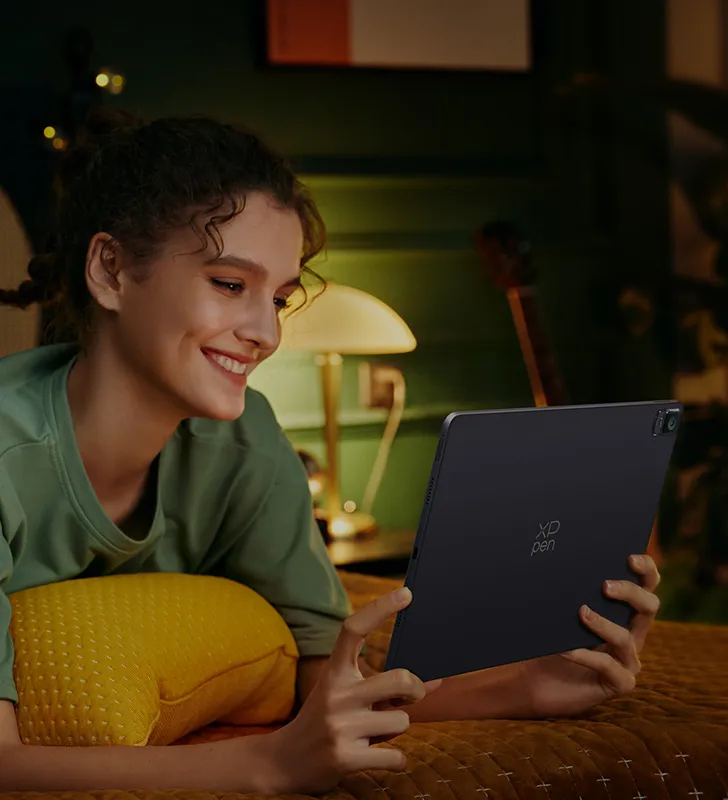
Wunderbar tragbar
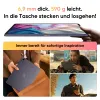
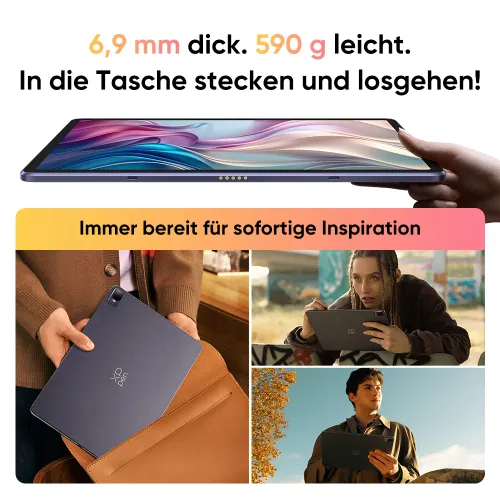
Dicke: 6,9 mm
Gewicht: 599 g
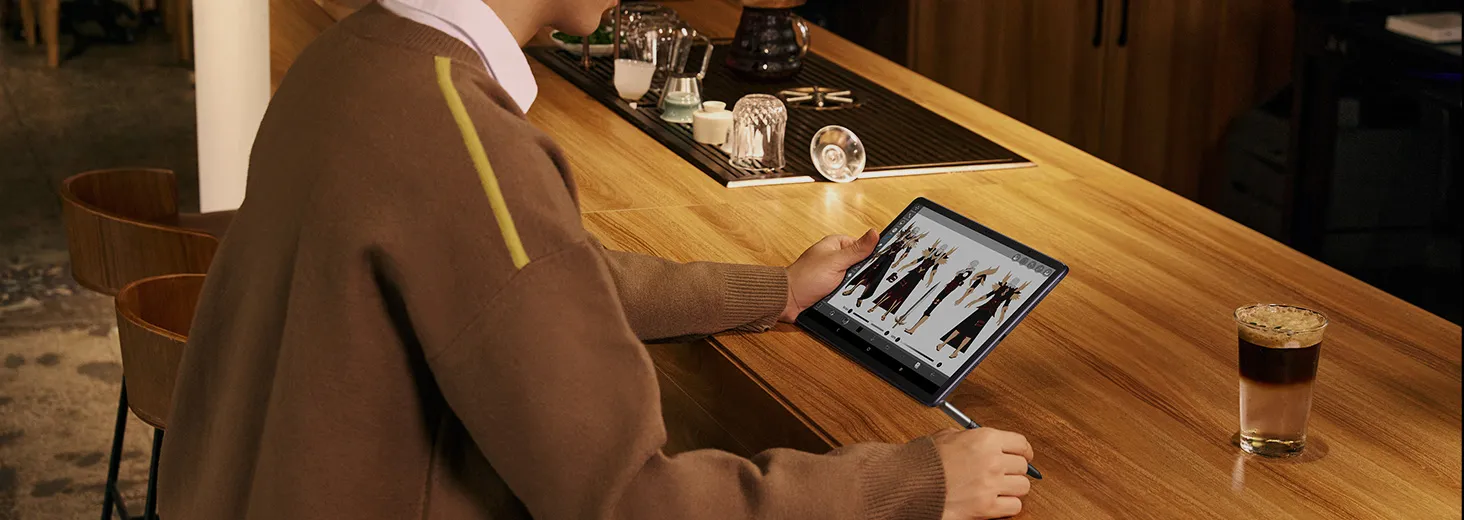
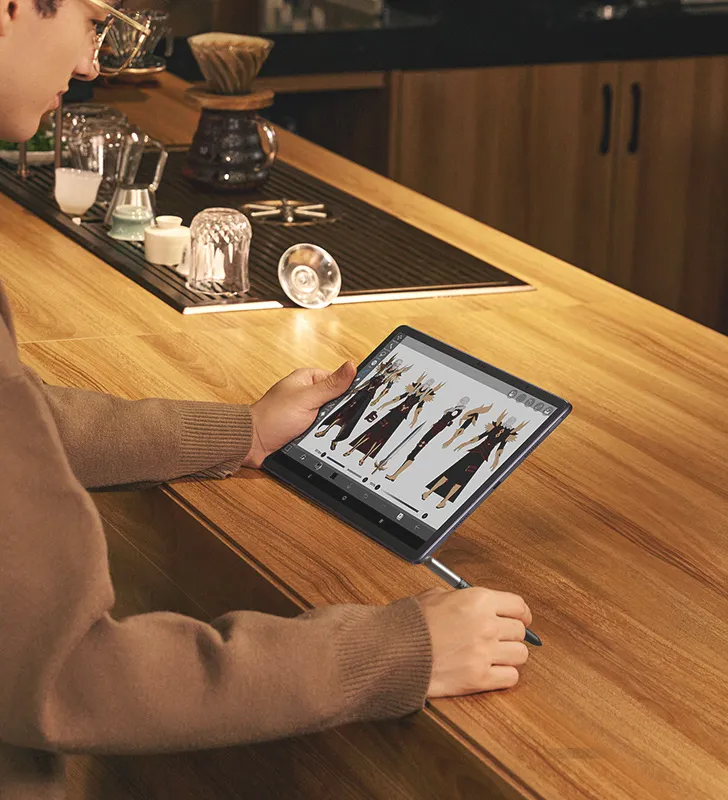

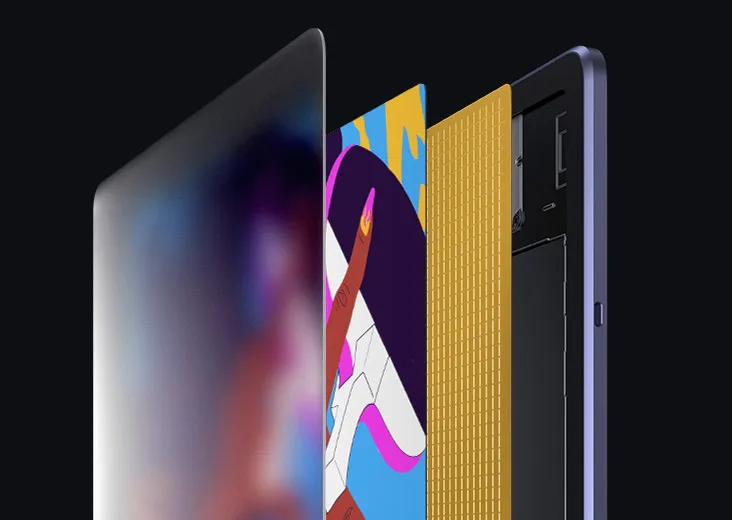
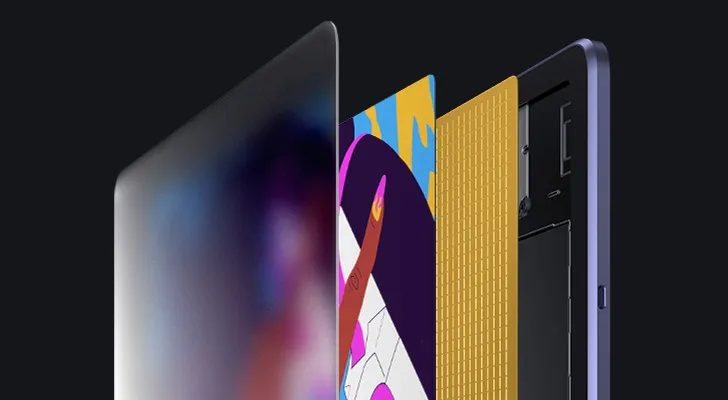

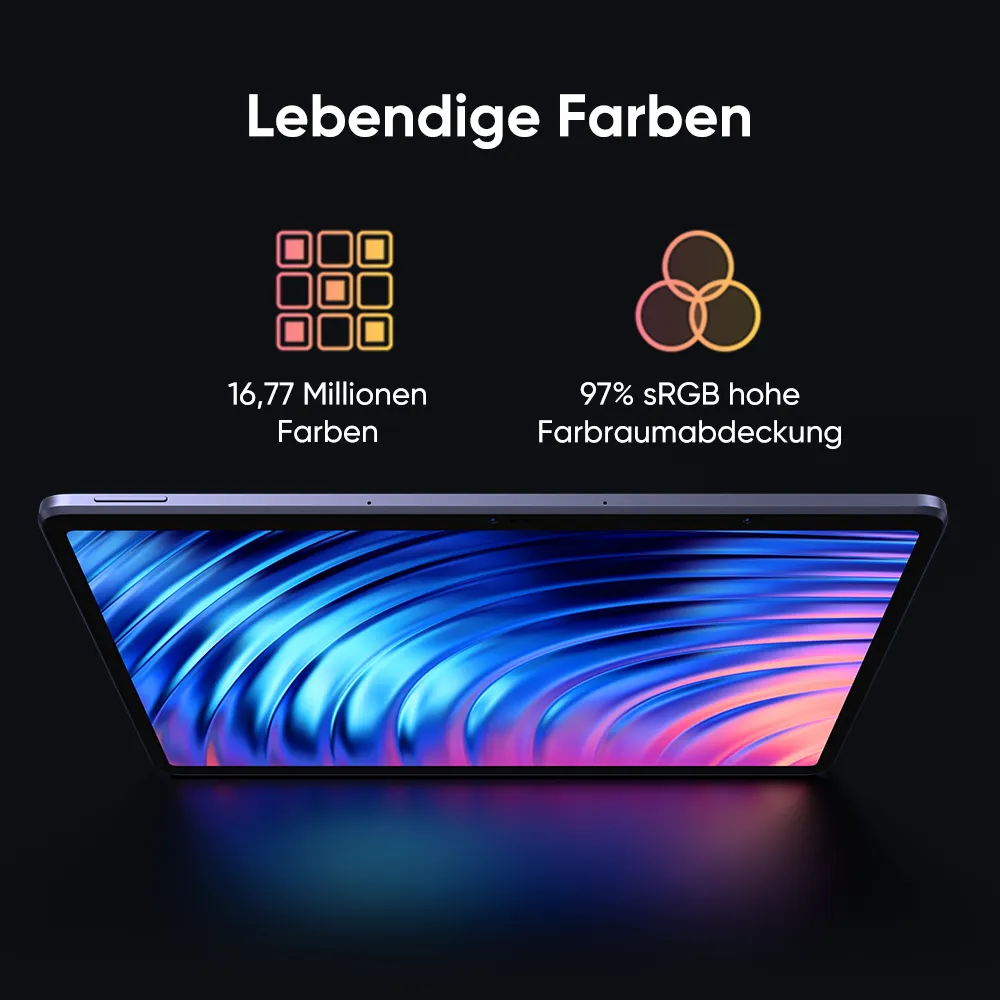
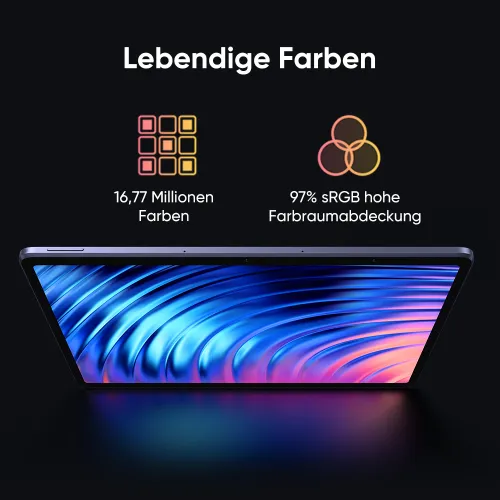
16,77 Millionen Farben

97 % RGB
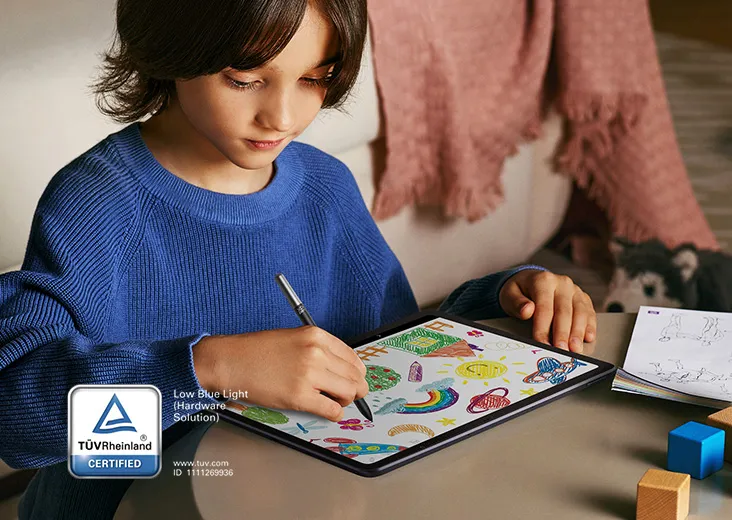
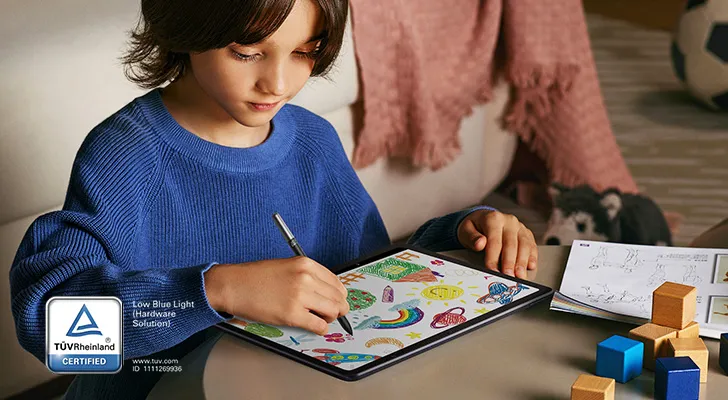



1.65mm



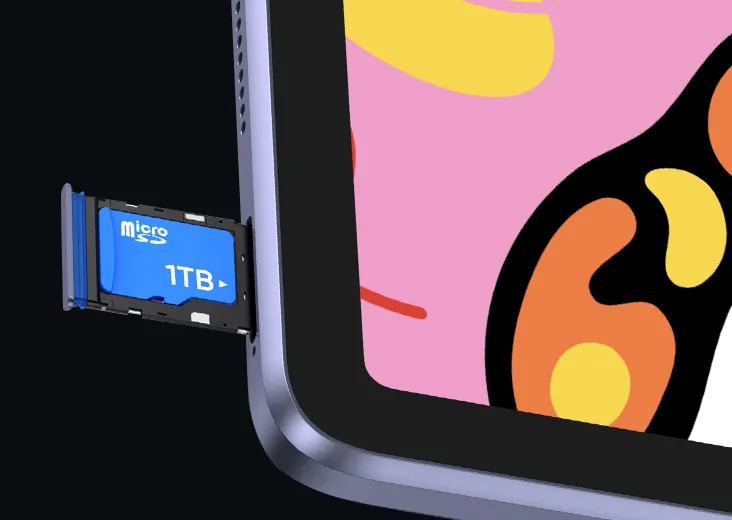
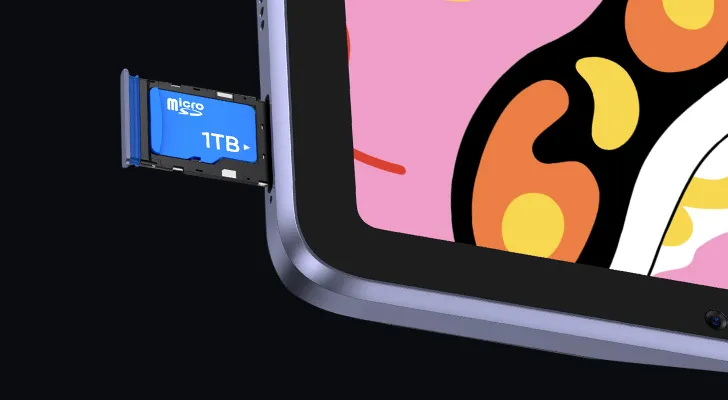

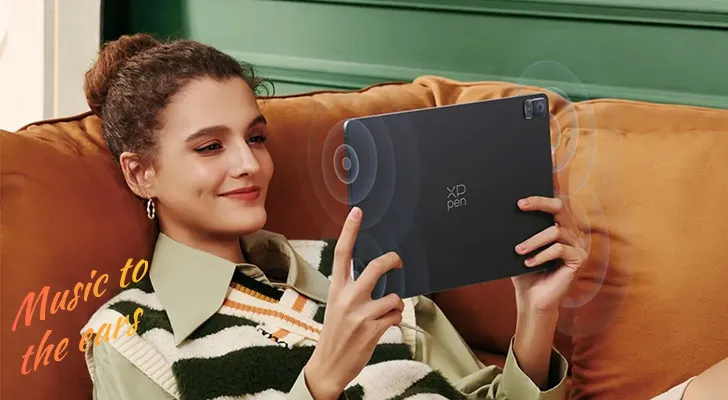
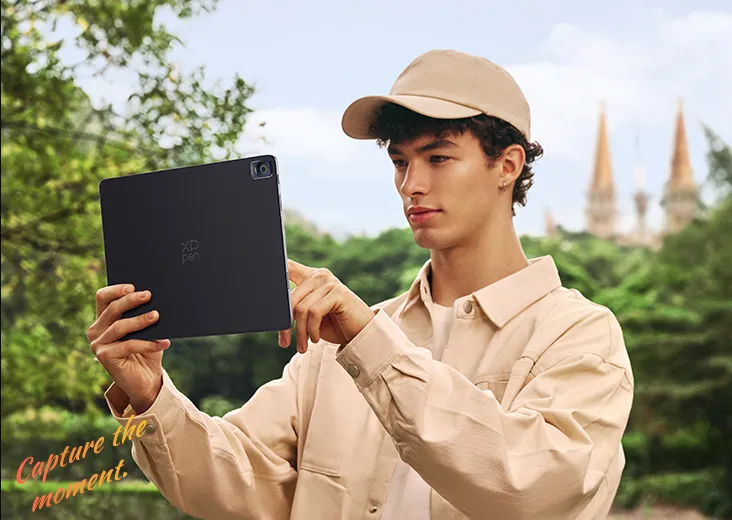

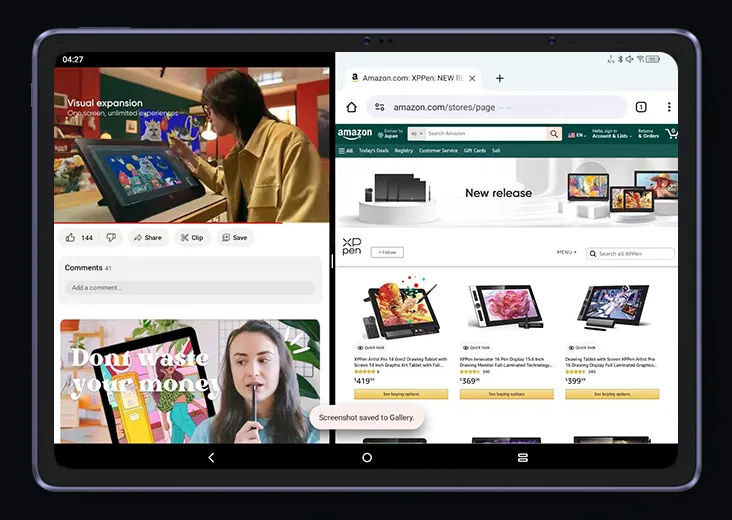
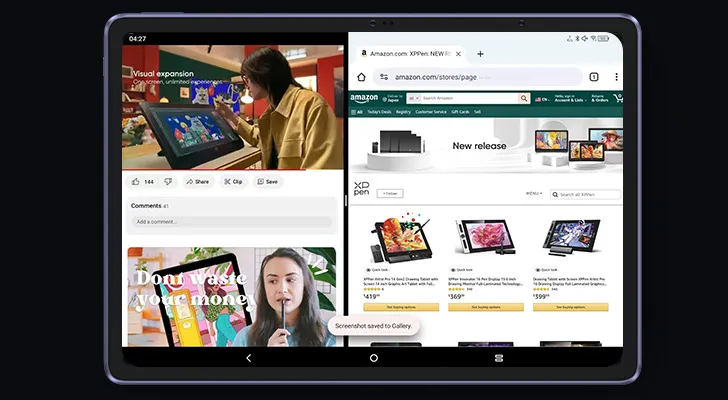
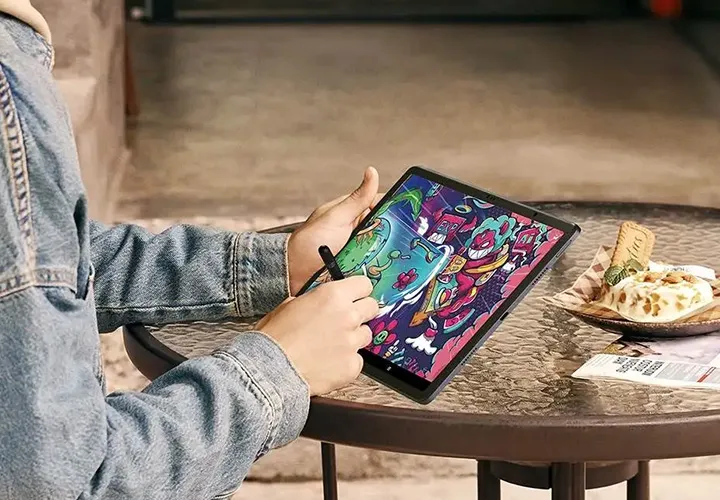

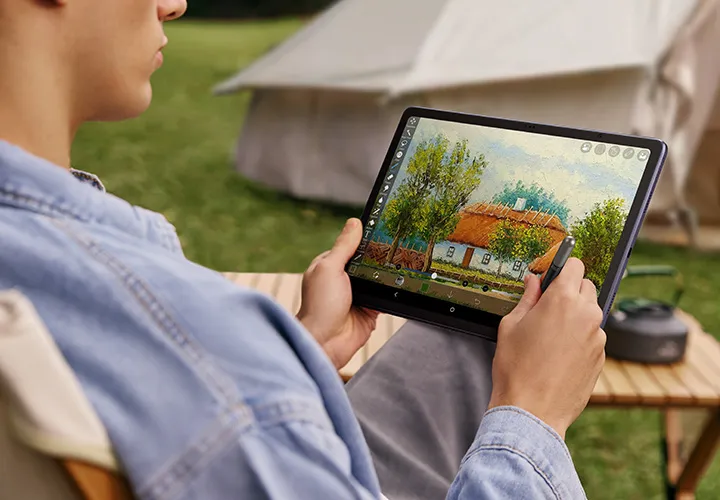

Lieferumfang
*Das Netzteil ist in einigen Gebieten nicht enthalten, vorbehaltlich des tatsächlichen Packungsinhalts.

1 x Tablet
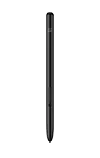
1 x Stift

1 x Handschuh
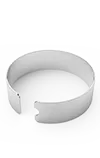
1 x Spitzenabzieher
1 x Ladekabel
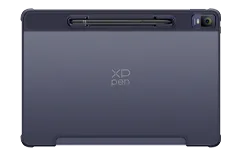
1 x Schutzhülle

8 x Stiftspitze
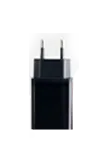
1 x Netzadapter*
1 x Schnellanleitung
1 x Garantiekarte
Optionale Zubehöre für Magic Drawing Pad
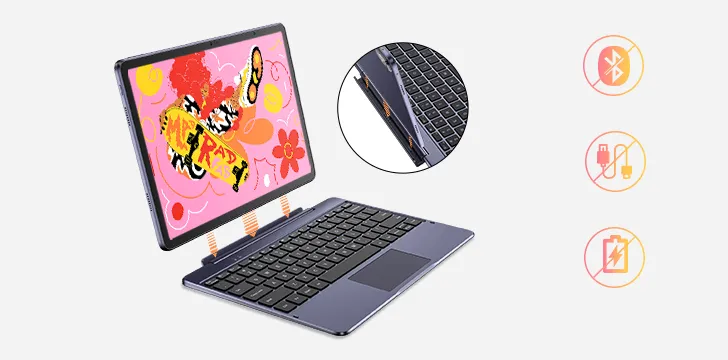
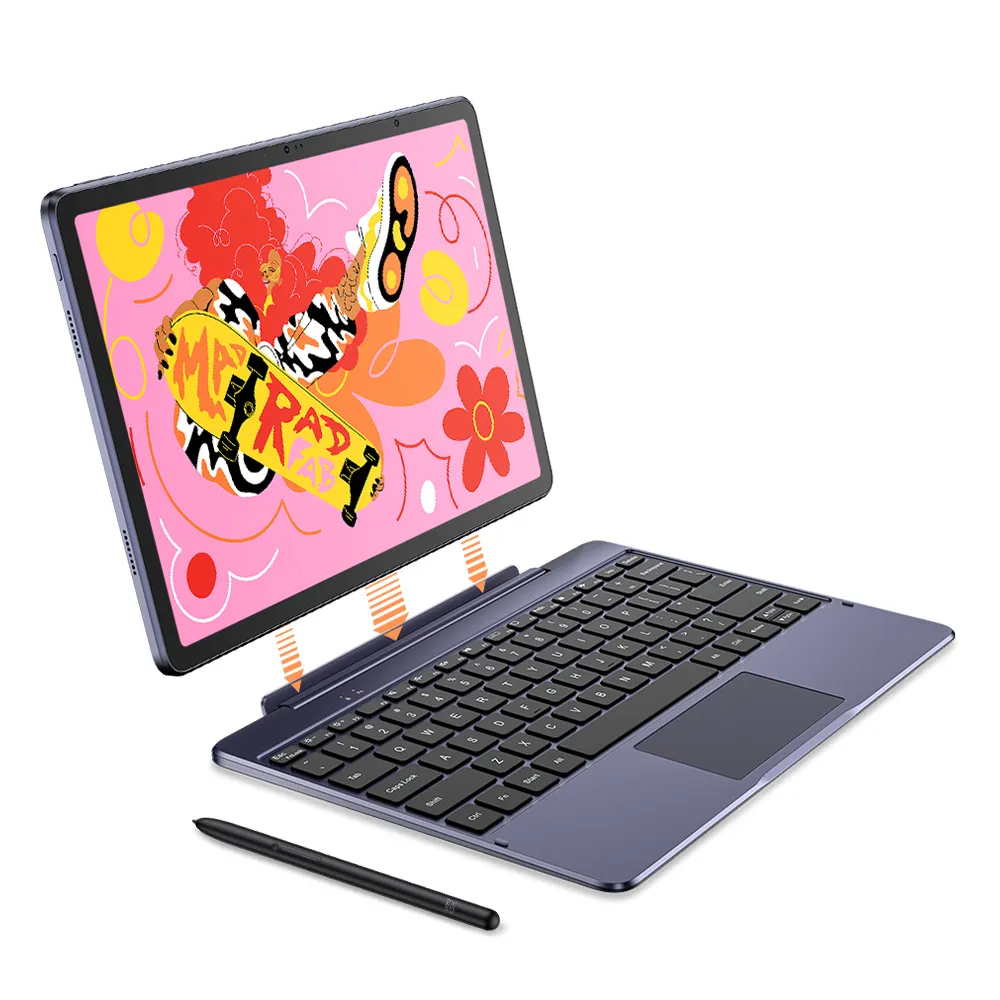
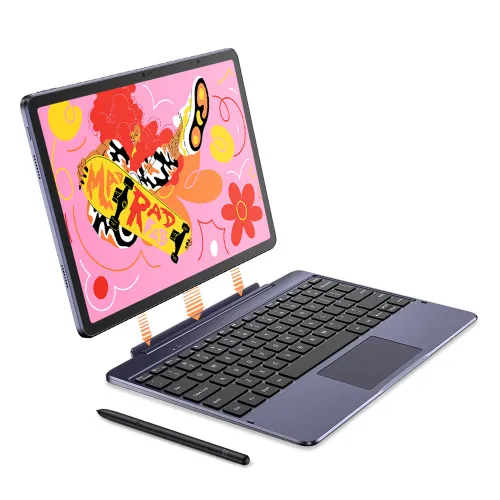
XPPen Smart Keyboard
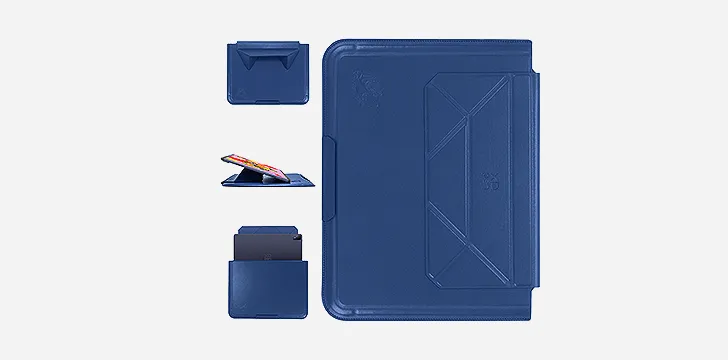
XPPen Tablet Sleeve Bag
Lieferumfang
1 x Tablet
1 x Stift
1 x Schutzhülle
1 x Netzadapter*
1 x Ladekabel
8 x Stiftspitze
1 x Spitzenabzieher
1 x Handschuh
1 x Schnellanleitung
1 x Garantiekarte
*Das Netzteil ist in einigen Gebieten nicht enthalten, vorbehaltlich des tatsächlichen Packungsinhalts.
Spezifikationen
Show more
4.5


Basierend auf 10
80%(8)

10%(1)
0(0)
0(0)
10%(1)
Motschas
Feb 05 ,2024 AM 07:09 Magic Drawing Pad
I absolutely love it!
I am very happy with my purchase!
Bought myself an IPad for drawing in 2018 but got never really used to it, and skipped digital drawing all together.
Now I am motivated again and this REALLY is a great tablet!
It feels solid, good quality and drawing on it is so much more fun.
An IPad of that size would have been SO much more expensive, and this is an all inclusive, and it just feels great!
The Matt surface is really nice and the pen is a little thin but absolutely comfortable even for me.
I'm VERY happy with it, I don't regret it and will definitely keep my eye out for Xppen in the future as well!
Nützlich(2)+1
XFANSy3001ypr
Feb 05 ,2024 PM 18:47 Magic Drawing Pad
High recommendation
I wanted to get a graphics tablet since a long time already, but never got one since I was afraid I will buy one expensive one and then just have it collect dust somewhere. Friends who also draw told me I should rather get a normal tablet for that (specifically "Just buy an IPad) however those are even in smaller variations also pretty expensive, Samsung options too tho.
Now I saw XPPen having this Tablet option and so I thought now is the time to get one. So far it has been nice to draw on it.
In the package you will receive the tablet, the XP Pro Pen (wireless), a glove for wearing while drawing, spare tips for the pen aswell as a protective hull for the tablet that fits nicely. For the price that's really incredible compared to for example an IPad.
The pen while yes, being a bit small still is pretty nice to draw with.
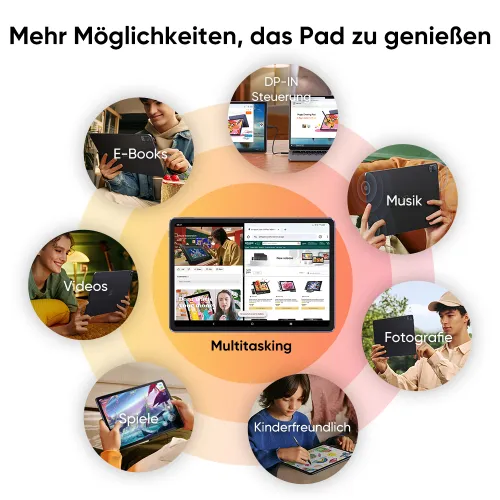
Another plus point is that even if you don't draw on it for some time, you still can use it as a normal tablet, watch videos on it or play some games, make notes etc.
Of the time of the review there are no accessoires that can be bought sadly, I hope that this will change in some time.
For example a protective screen for it. Or stuff like for the other pads that already exist.
The wireless pen to that time also can't be bought yet (spare tips however can be bought)
Besides that part which will definitly change at some time, it has been great so far and I can really recommend it especially for who starts drawing and doesnt know what to get.
Nützlich(2)+1
XFANSa7y9pw2o
Aug 13 ,2024 AM 01:38 Magic Drawing Pad
Wonderful purchase
I really enjoyed working on this tablet! He's wonderful! The only thing that’s a little frustrating is that the cursor is a little to the right of the pen, but I hope in the future they will release an update where this can be fixed)
Nützlich(3)+1
Mehr erfahren
XFANSbpok9ejm
Jul 15 ,2025 AM 11:36 Magic Drawing Pad
Dear XP-Pen Team, the XP-Pen EU shop is already selling the Magic Drawing Pad(Gen2) running Android 14. Has the German Shop Description just not been updated yet or is it really still the old End of Life Android 12 version being sold here?
Antworten0
XFANSx92zhkmn
May 26 ,2025 PM 17:28 Magic Drawing Pad
I´m working with Adobe - especially Adobe Illustrator. How well does the tablet work with that?
Antworten0
XFANSfi2b2hbn
Mar 31 ,2025 PM 20:53 Magic Drawing Pad
Dear XPenTeam please think about Upgrading the Android version to 13 or even 14, some drawing apps like Clipstudio paint have already begun to not support android 12. Its also a big security issue, because android 12 does not get any security updates anymore.
This tablet is so nice it would be a shame if it where to become unusable after 1-2 years, i already own 2 xp pen produkts and i dont think i would buy one again if the android version stays like this
Antworten1
Official mall
Apr 08 ,2025 AM 11:46
Hello, we have taken your concerns seriously and have already contacted CSP to resolve this issue. We want to ensure that our customers are satisfied and can continue to work optimally with our products. Soon we will present a solution to this issue.
We thank you for your understanding and patience in this matter. Please keep an eye on us to stay informed about the latest developments.
Auf diese Bewertung antworten
XFANS389nj4np
Dec 22 ,2024 AM 08:58 Magic Drawing Pad
can you connect to a monitor via usb?
Antworten2
Mehr Antworten sehen(1)
Official mall
May 16 ,2025 AM 11:40
The Magic Drawing Pad can be connected to a computer via USB to be used as a drawing screen, requiring the use of spacedesk software, and it is currently only compatible with Windows computers.
Auf diese Bewertung antworten
XFANSy2sgreiw
Nov 27 ,2024 AM 04:01 Magic Drawing Pad
Hello!
I've had the drawing pad for a while now and it is fantastic so far, I have noticed though that the colors compared to the artist 16.5 pro is very desaturated, I have checked the settings but haven't found anywhere to change this, is there a way to make the colors more vibrant?
Antworten0
XFANSxcs1gqgd
Nov 05 ,2024 AM 03:57 Magic Drawing Pad
Hello,
Will the magic drawing pad get tilt support in the future?
And how long will there be software and safety updates?
Antworten0
XFANSrgm161uy
Jun 17 ,2024 AM 01:49 Magic Drawing Pad
Hello,
Are there compatible keyboards for the device?
Wireless or wired doesn't matter.
Antworten1
Official mall
Jun 17 ,2024 PM 18:45
Hello, a compatible keyboard for the device will be released soon. Please stay tuned for more details on our official website. Thank you!
Auf diese Bewertung antworten
XFANSh5iqn0o4
Apr 04 ,2024 PM 23:40 Magic Drawing Pad
Is there any info on how well the tablet works with Clip Studio Paint in particular?
Antworten4
Mehr Antworten sehen(3)
Official mall
May 21 ,2024 AM 10:20
Hello, You can find a video demonstration of the tablet working with Clip Studio Paint at the following link: https://www.instagram.com/reel/C30U8abs7Ei/
Additionally, you may find this video helpful, as it provides a detailed review and demonstration of the tablet\'s compatibility with many other drawing apps: https://www.youtube.com/watch?v=w6qrW1mclKk&t=2319s
Auf diese Bewertung antworten
XFANSozasxsnj
Jan 22 ,2024 PM 18:41 Magic Drawing Pad
The tablet is using Android 12, which is end-of-support. Is it possible to update it to a later version?
Antworten2
Mehr Antworten sehen(1)
XFANSp8wwrm4w
May 24 ,2024 AM 02:04
So far I can say no, i have try to run a software update, it says it‘s on the newest version ( android 12.04 or 12.4)
Auf diese Bewertung antworten
XFANSv0axh7zg
Jan 22 ,2024 PM 18:05 Magic Drawing Pad
Is it possible to run any Linux System on this device with full driver support? Most programms have an "light" version on mobile compared to the full featured pc version... dependent of the programm somebody wants to use it even mind get completly useless on android. With an Linux system we could always use the full featured pc version. howadays even monst windows only applications can run on linux thanks to wine / proton. It would be awesome if we dont have to stick with android :)
Antworten1
Official mall
Jan 23 ,2024 PM 15:47
No, it\'s not possible to run Linux System on the Magic Drawing Pad. To launch the Magic Drawing Pad is considered for the use on the go. You can capture the inspiration on the travel or in outdoors. And then transport the rough artwork to other drawing programms in the windows/mac to modify or refine it. Here is a detailed review Video from an artist: https://www.youtube.com/watch?v=w6qrW1mclKk&t=1349s. It might be helpful if you want to know more about the Magic Drawing Pad.
Auf diese Bewertung antworten