


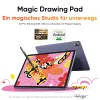






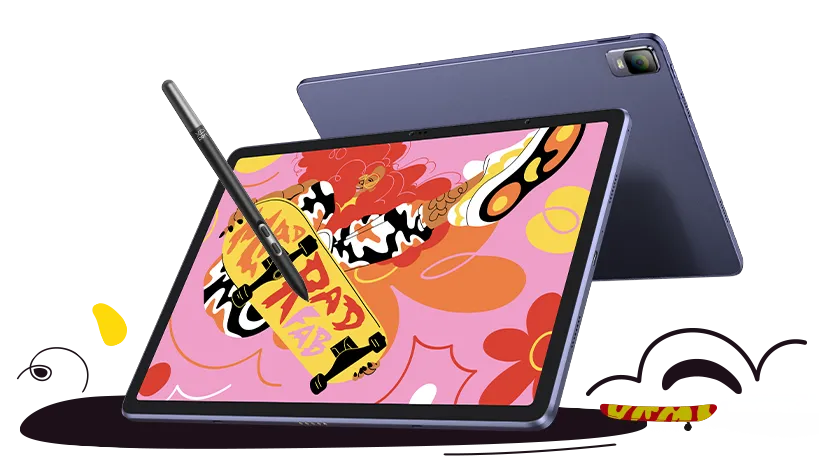


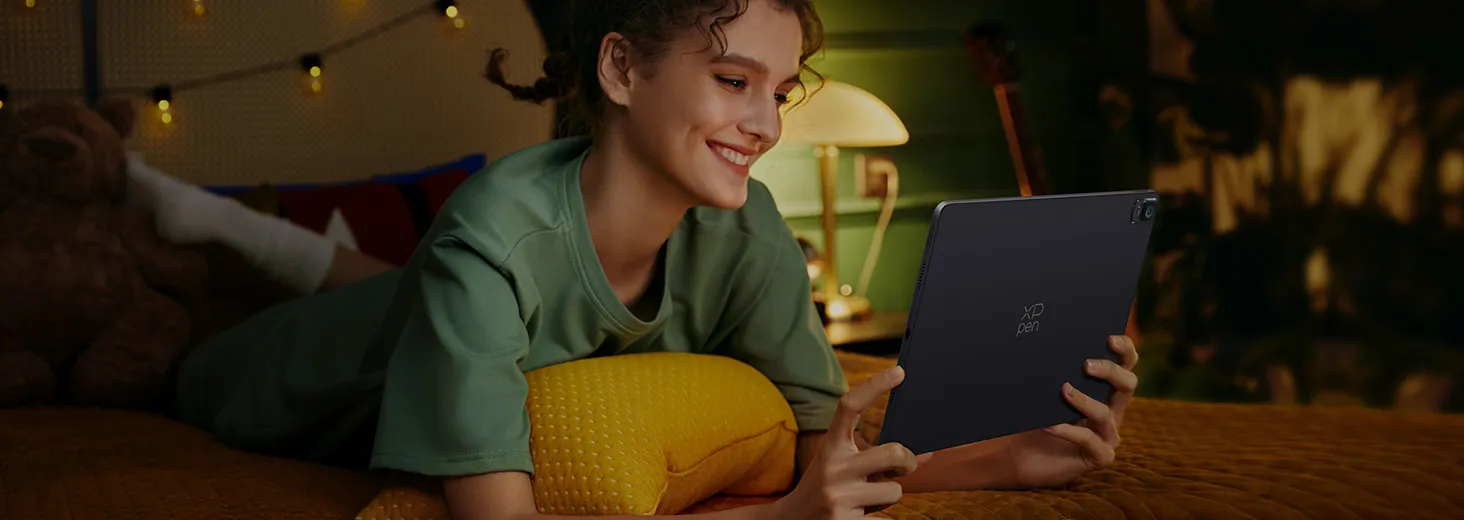
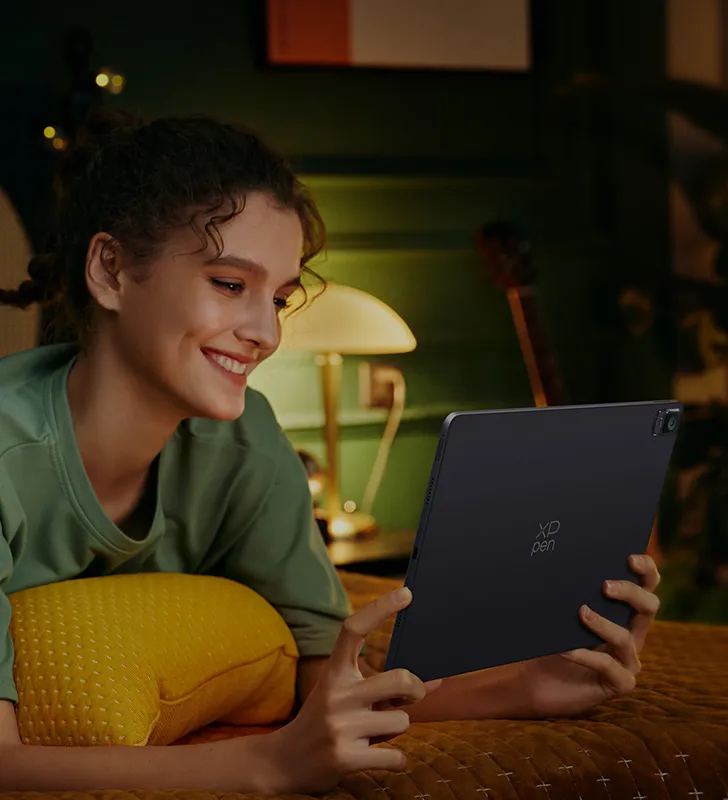



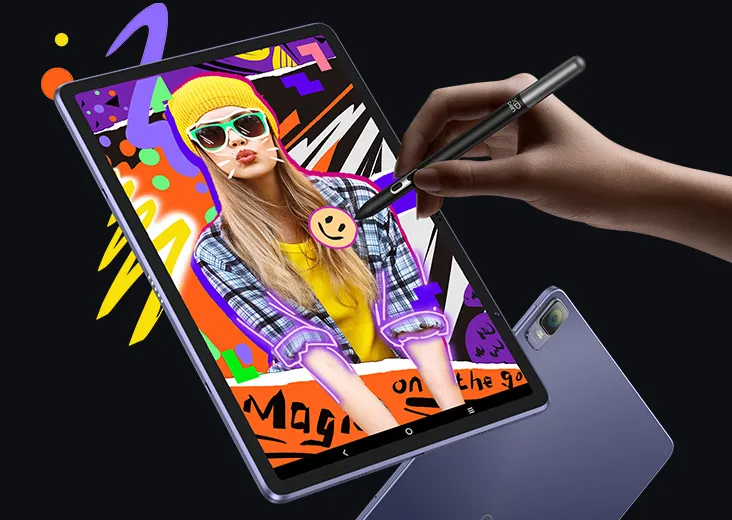
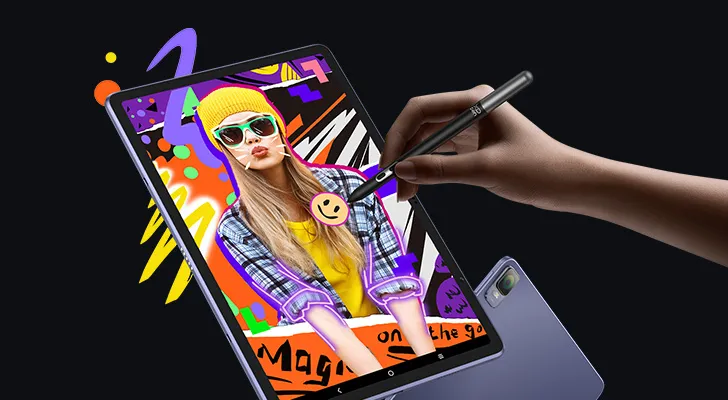

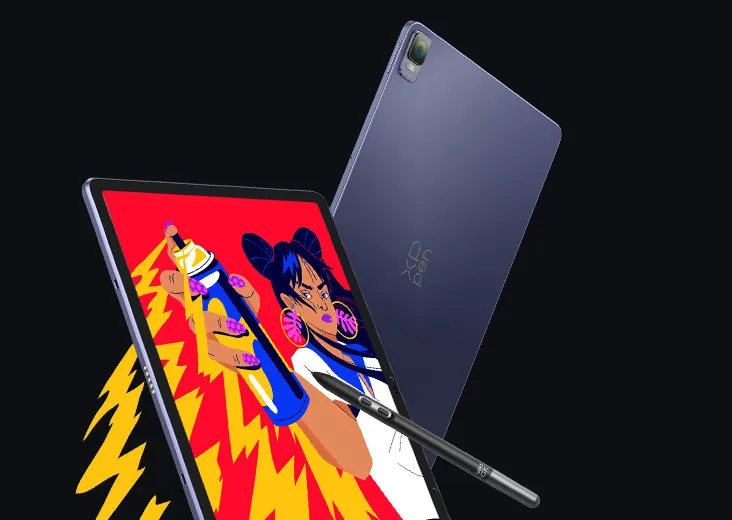
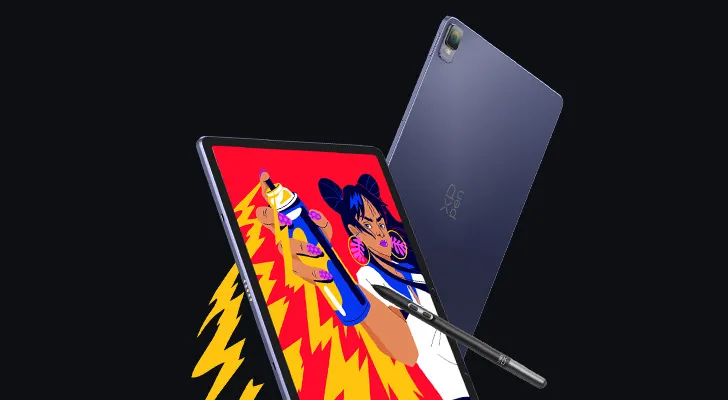






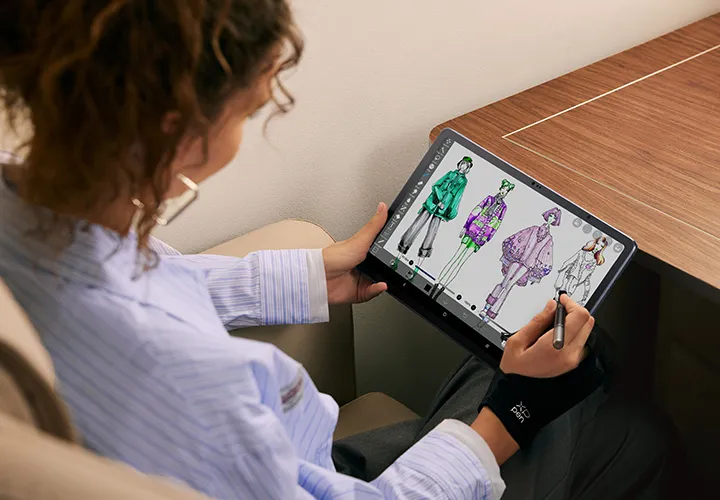

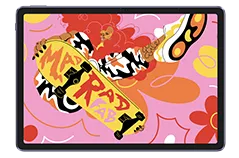



Magic Drawing Pad

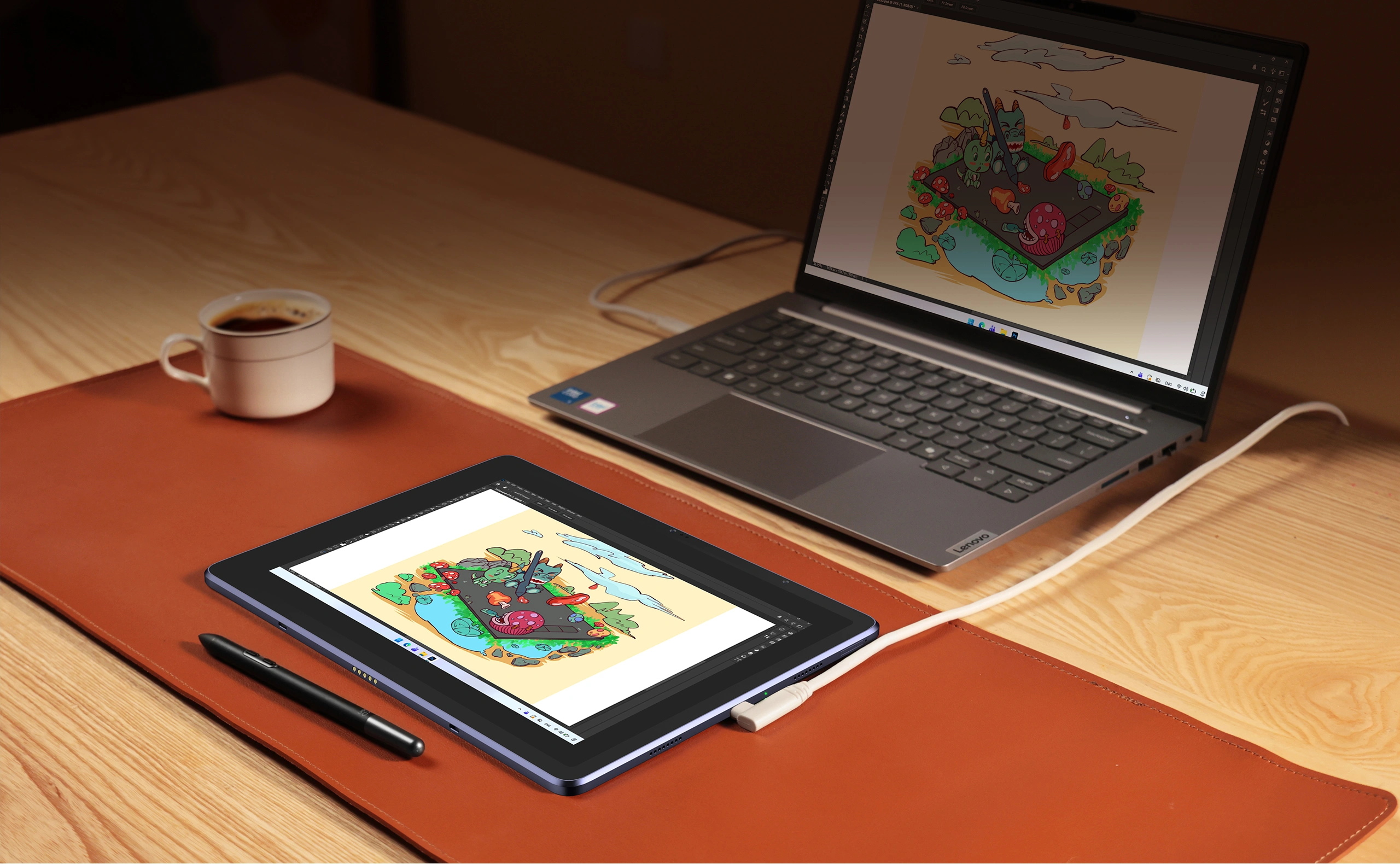
Keine Verbindung mit PC erforderlich. 

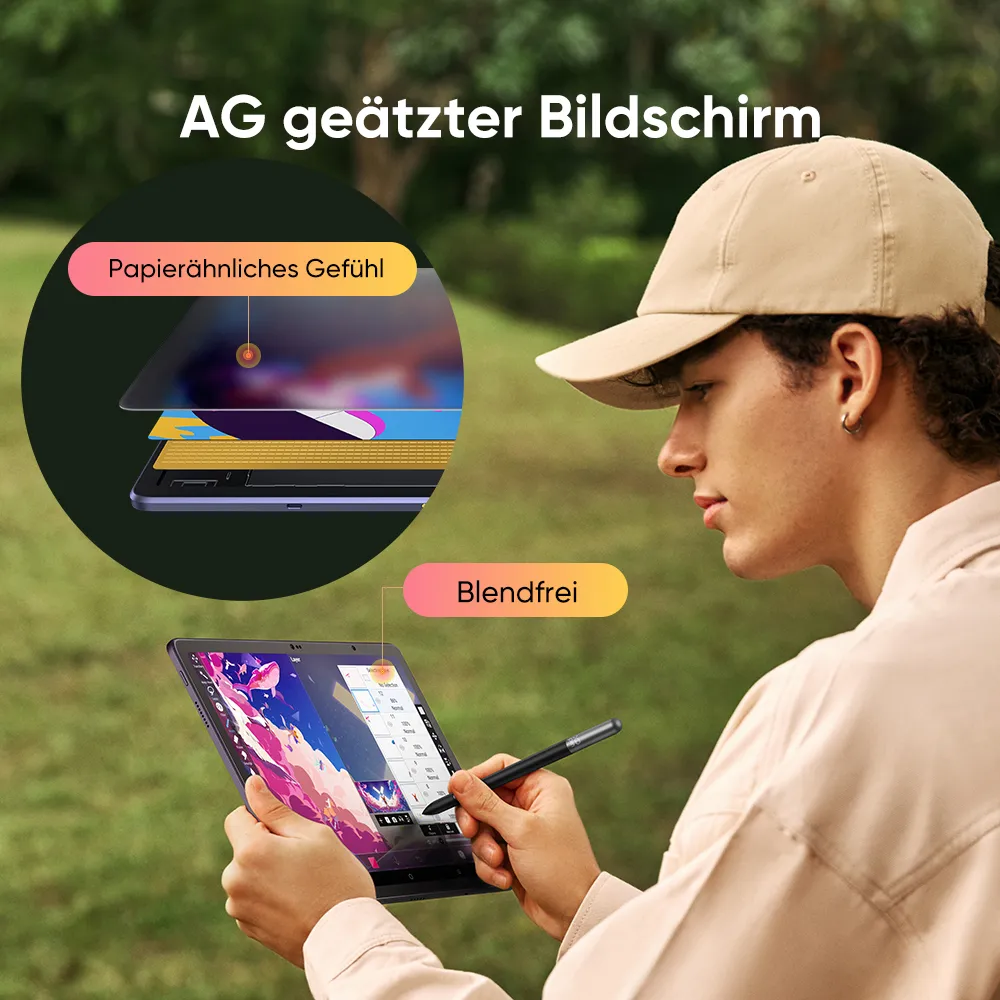
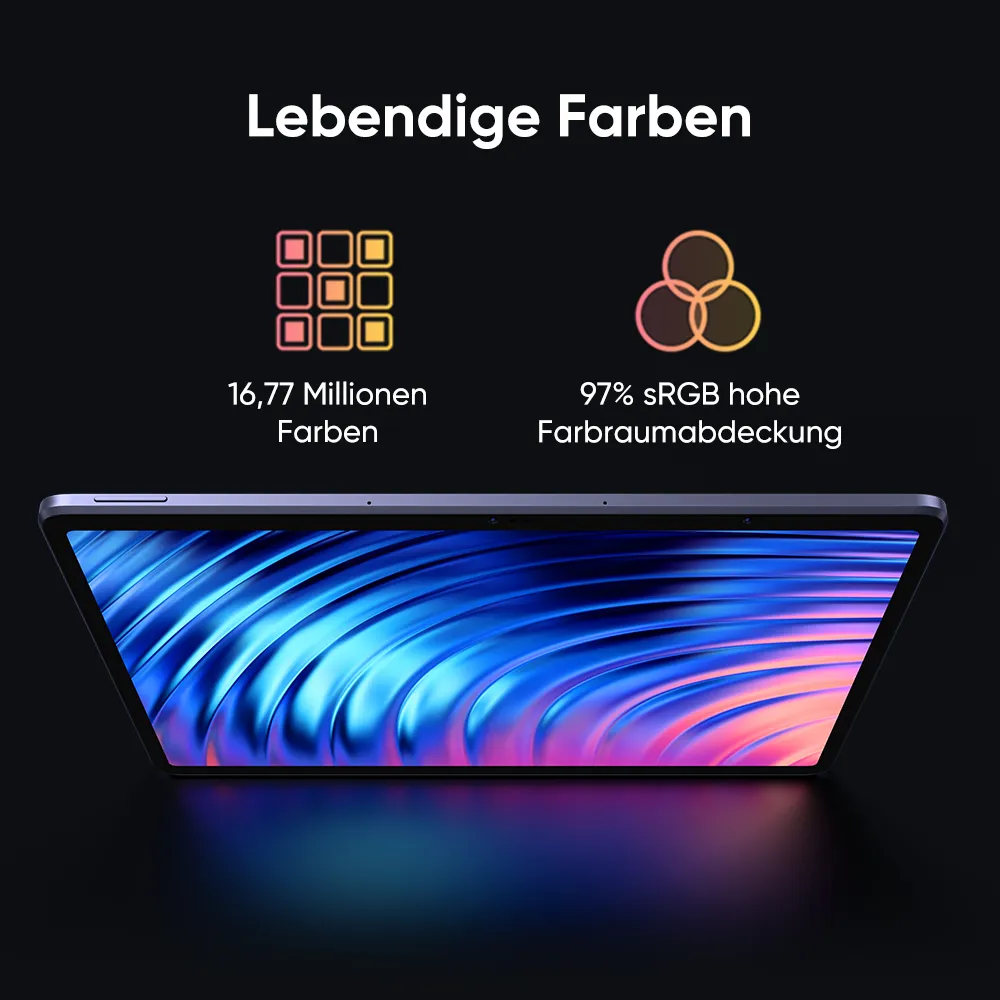
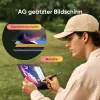
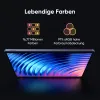
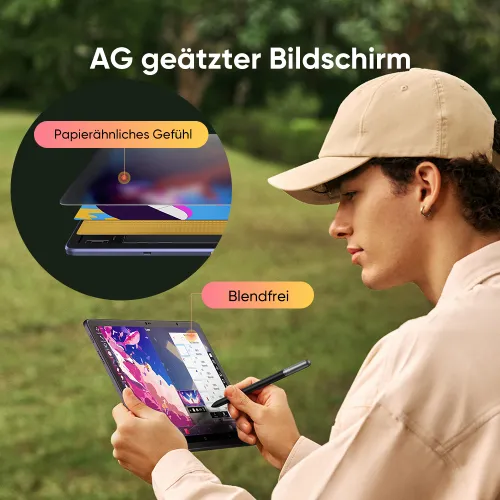
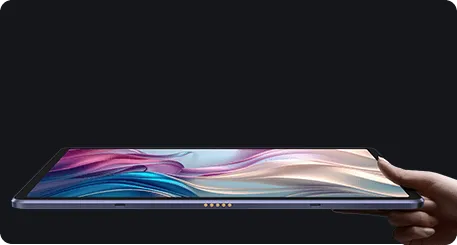
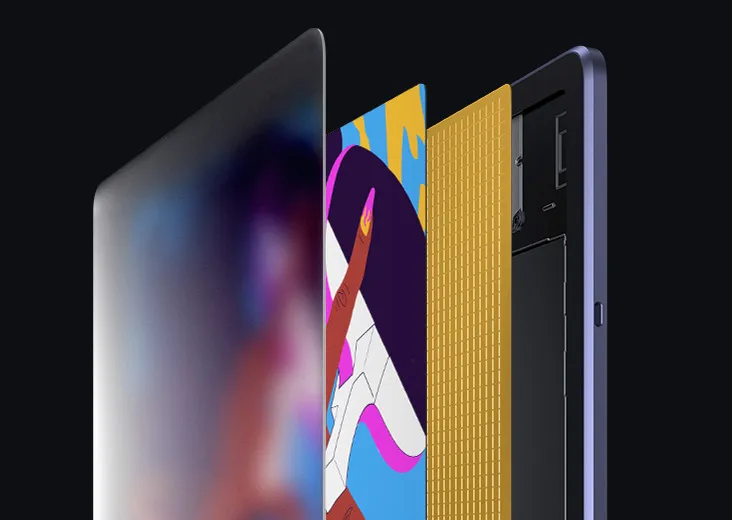
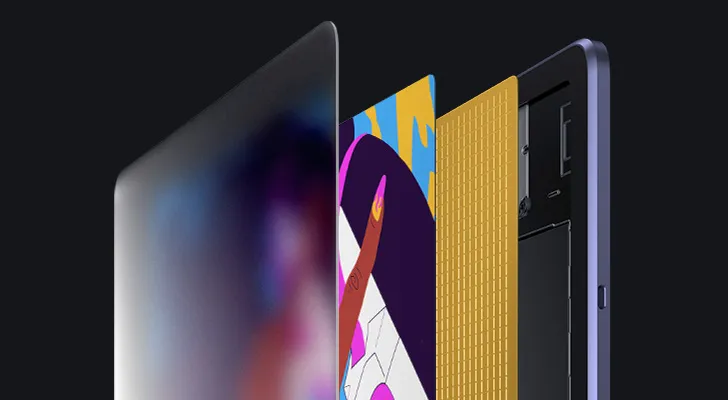
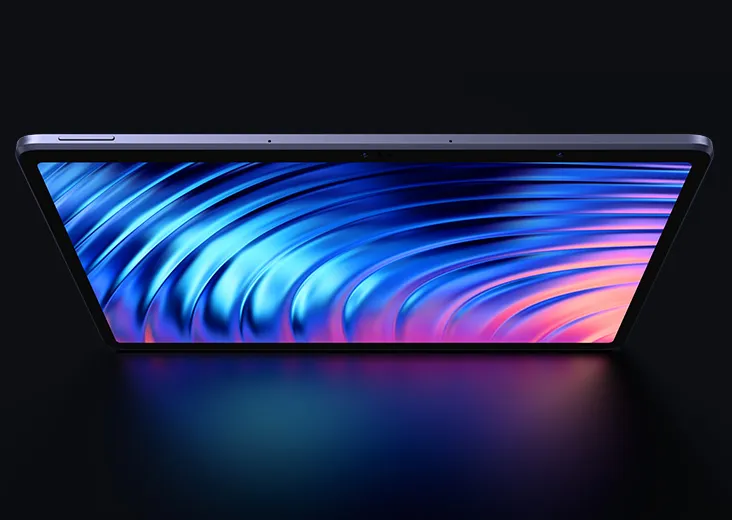
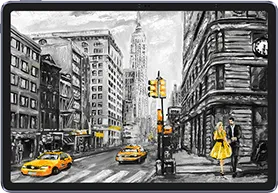
12,2 Zoll, AG geätztes voll-laminiertes Display. 

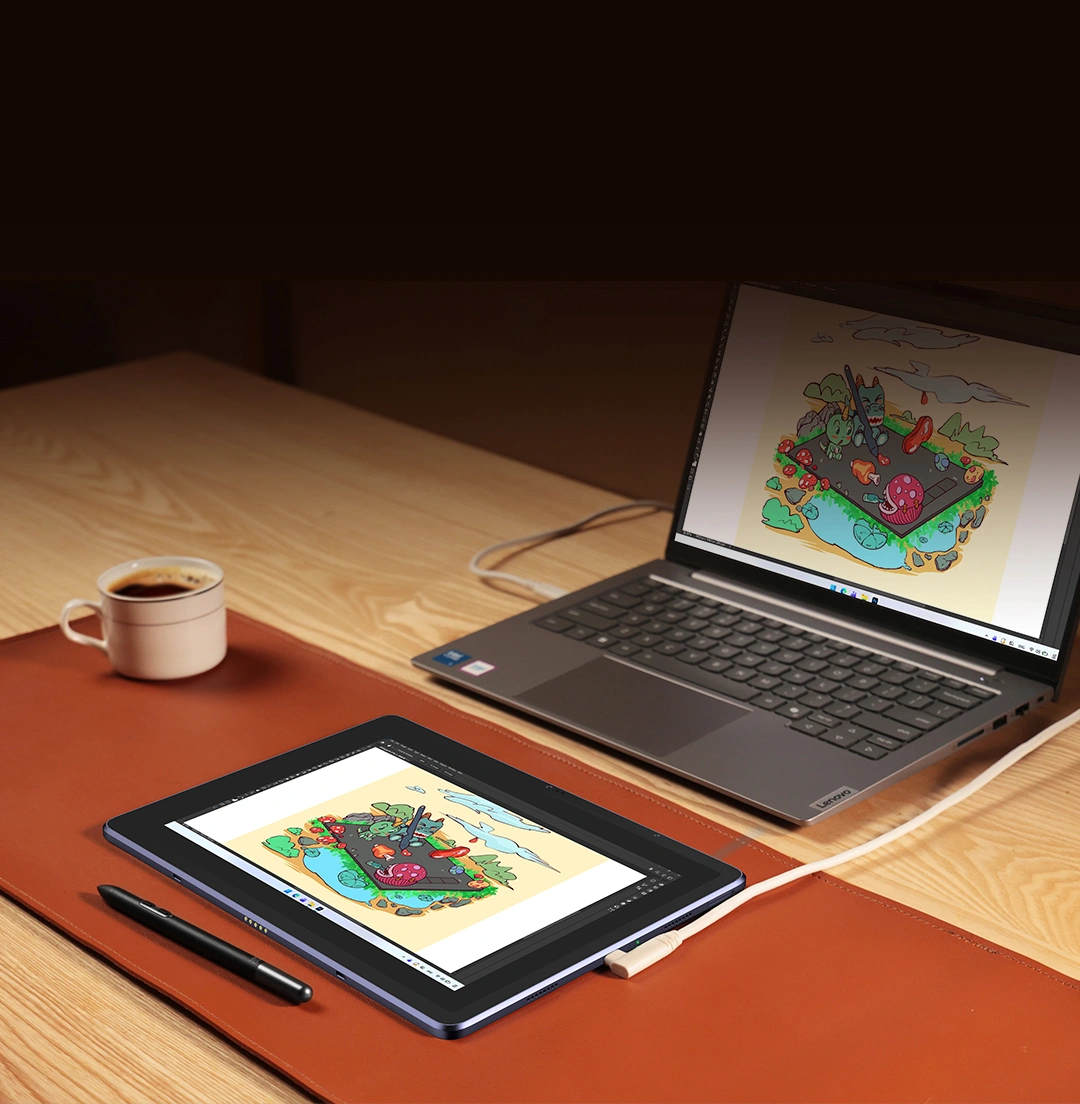
Grafikdisplay-Modus: Nur ein Kabel Verbindung. 

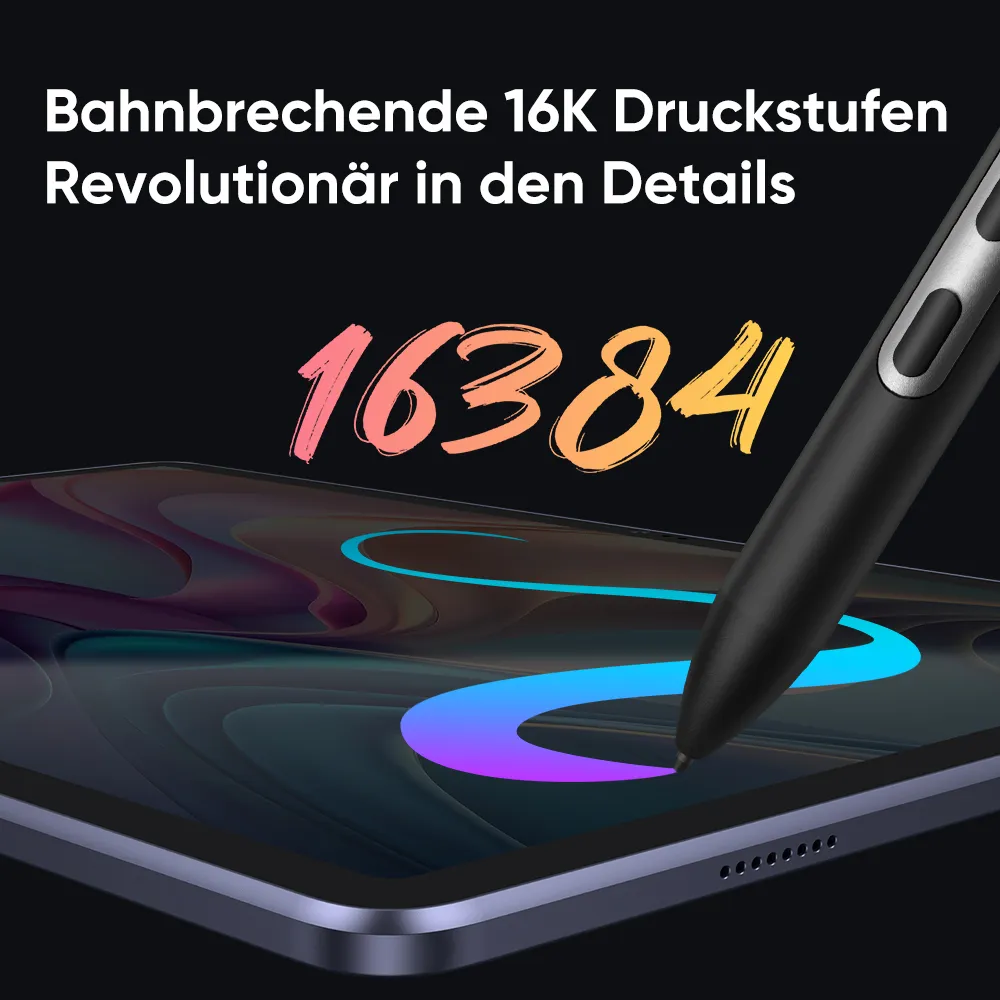
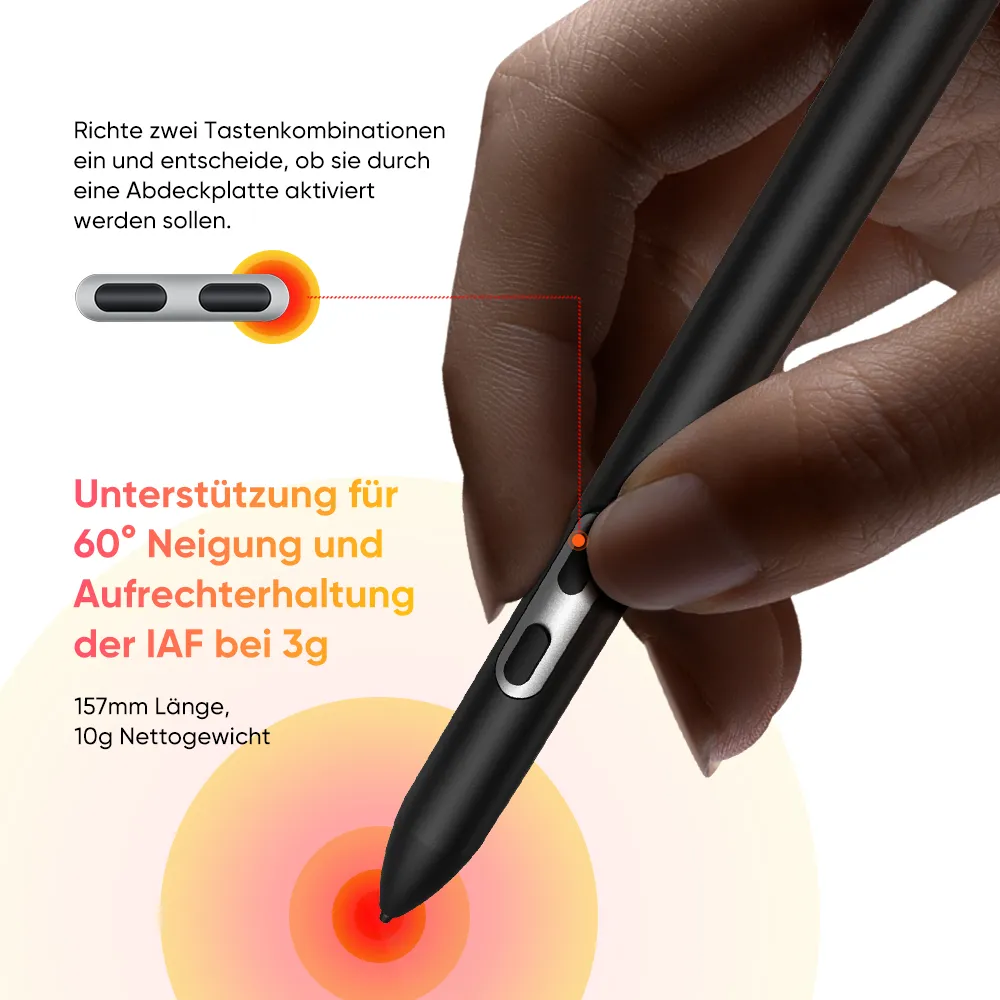
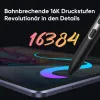
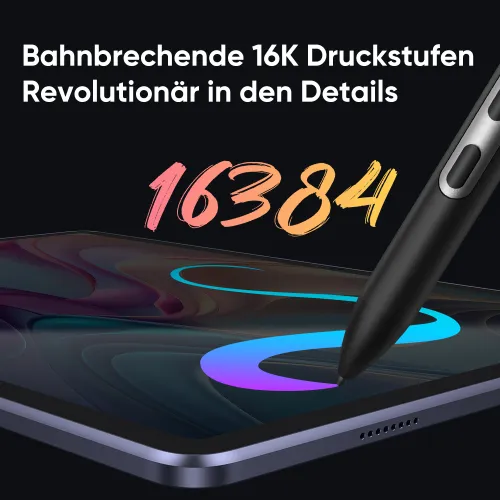
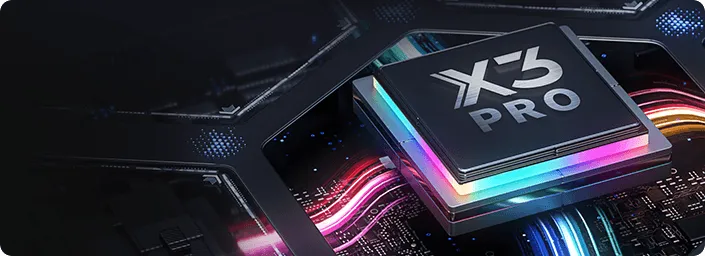
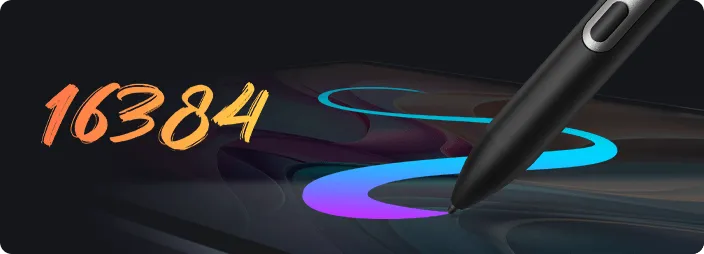
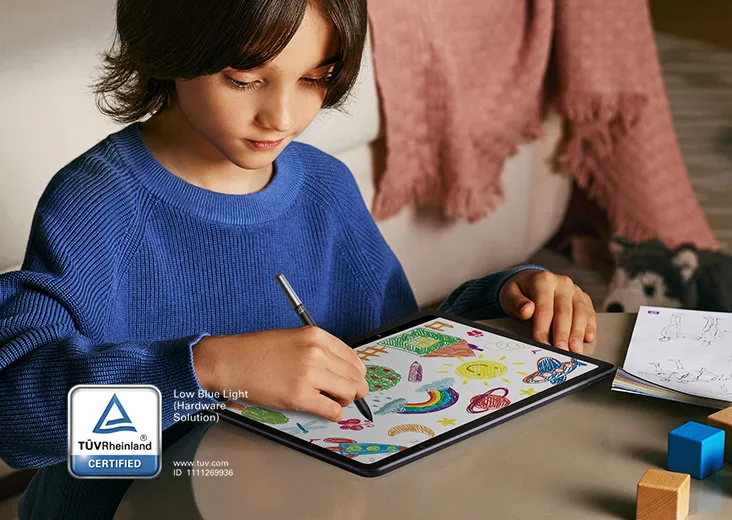
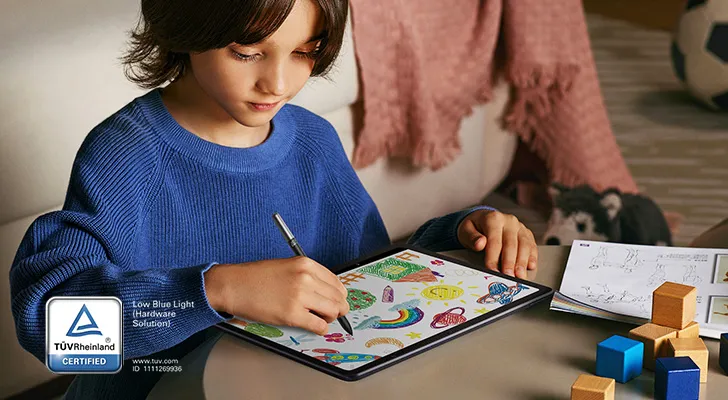
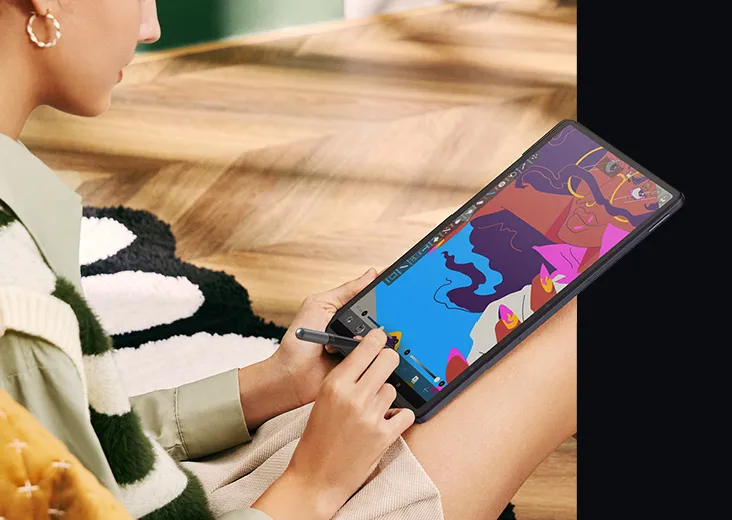
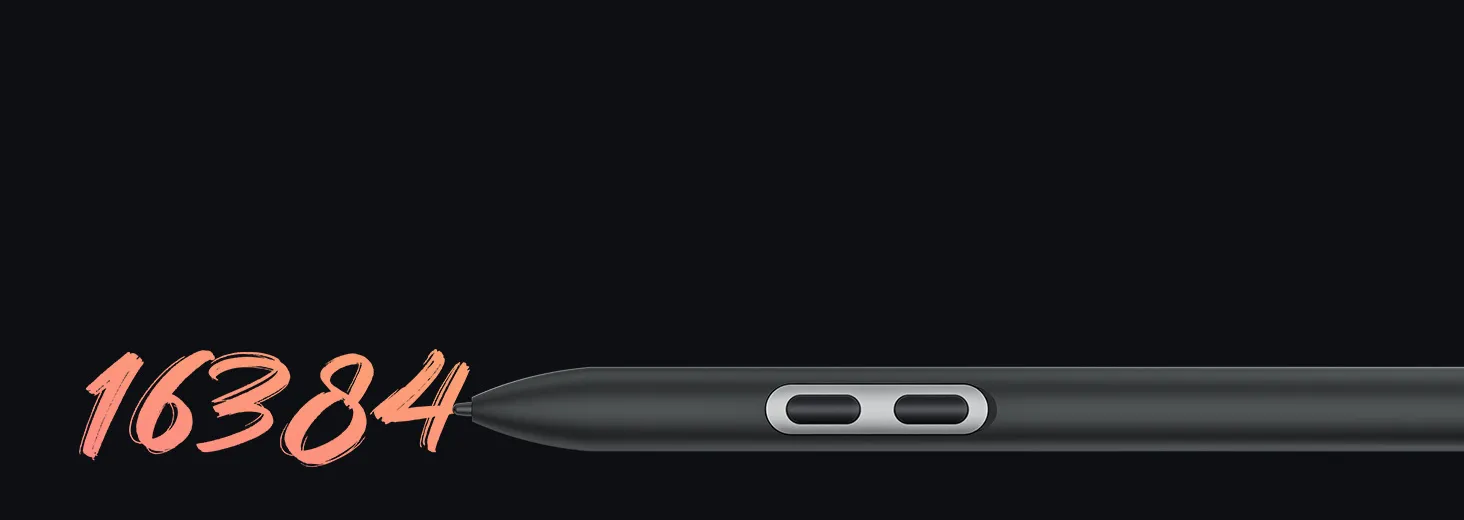
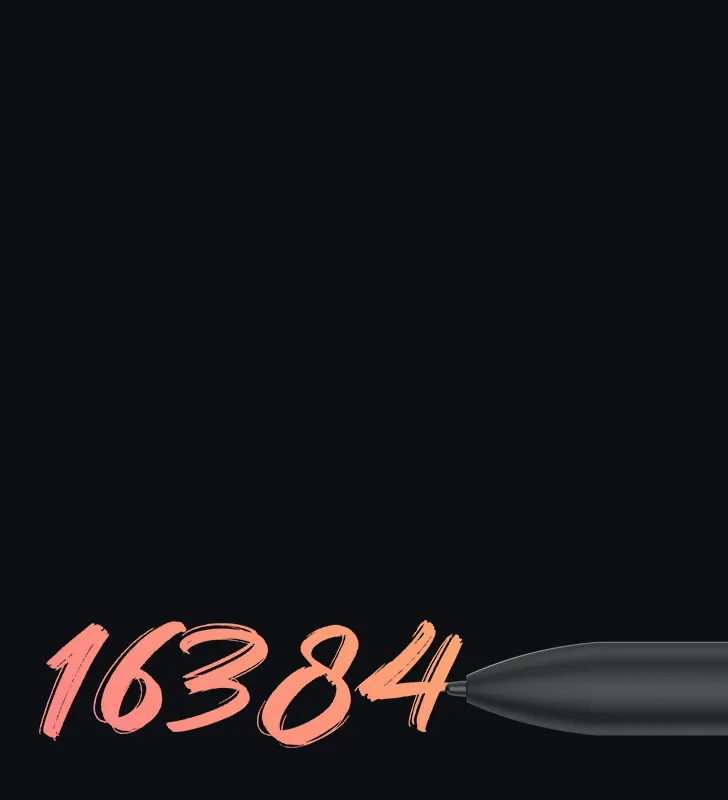
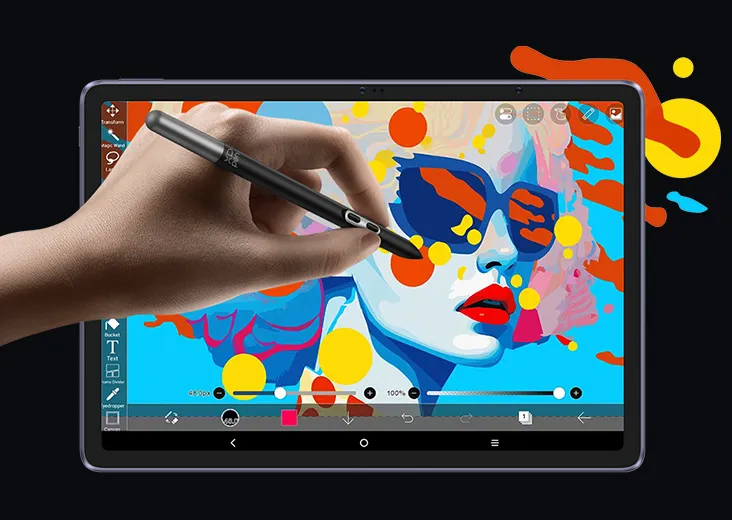
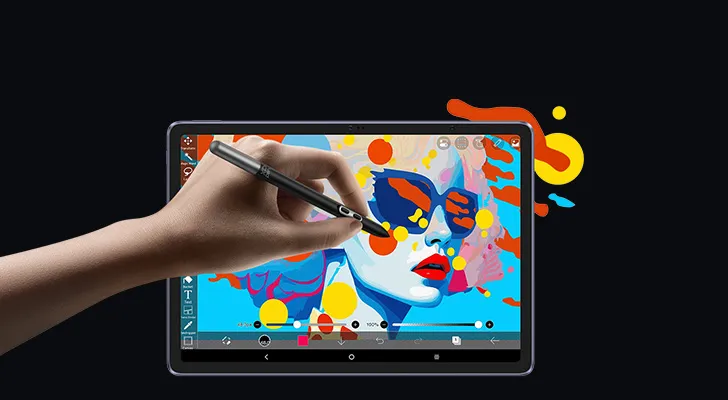
X3 Pro Stift, 16K Druckstufen. 

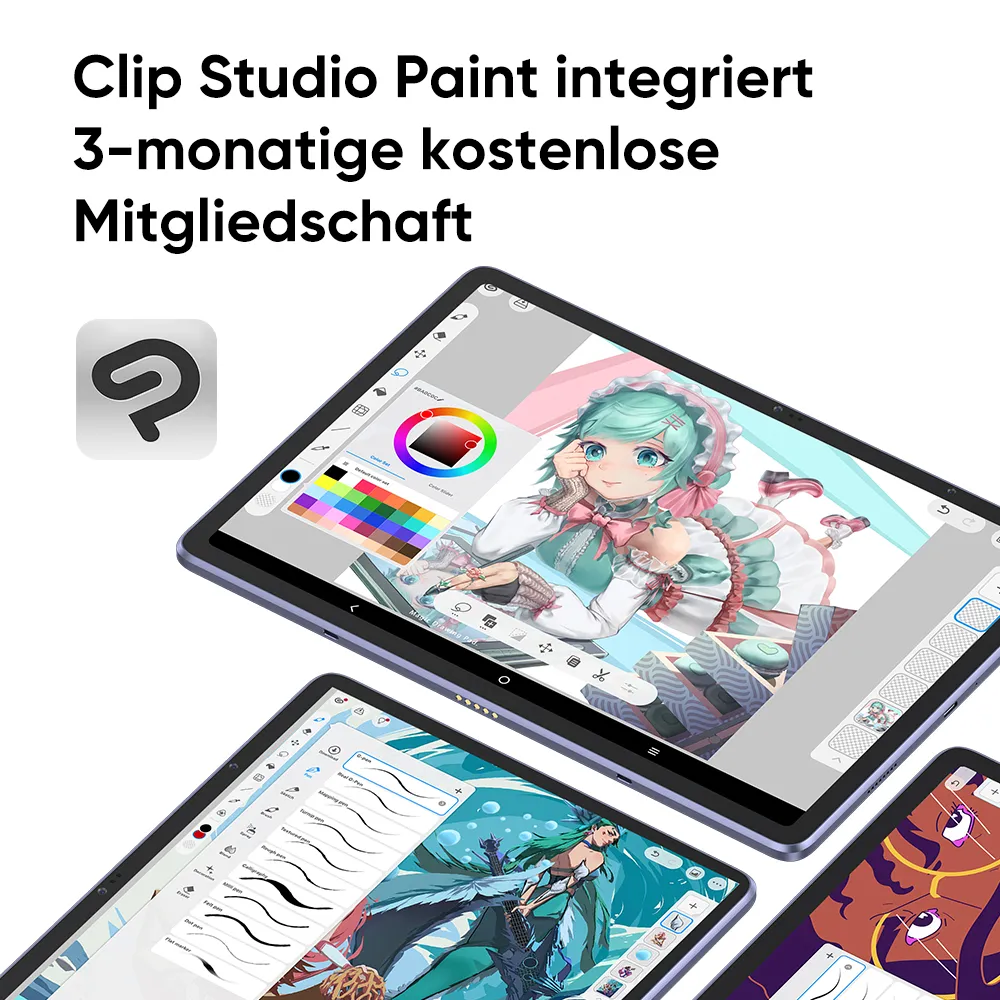
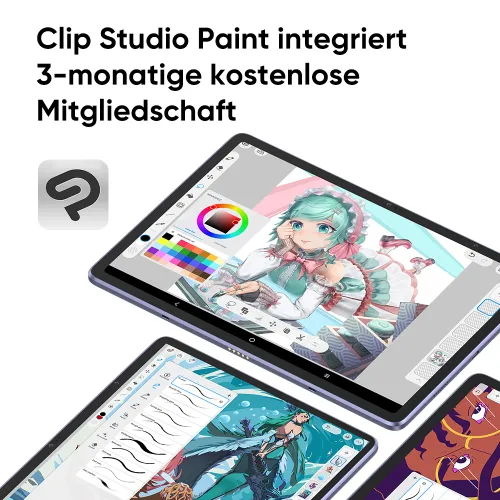
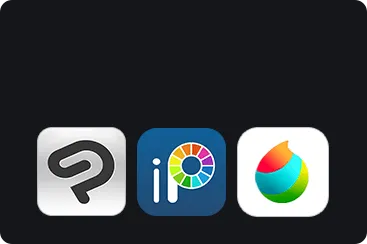
ibis Paint X für 3 Monate kostenlos. 

€539,99 / €599,99
Endet in 00:00:00

Kostenloser Versand

Qualitätssicherung

Sichere Zahlung

Bester Kundenservice

Edition:

Magic Drawing Pad
Exklusives Set

Optionales Zubehör

https://resource.xp-pen.com/Uploads/goods/20240625/OCN3OxKdU9FuqjPmqWOx_200_200.webp

ACK08 Smart Keyboard für Magic Drawing Pad

€69,99 /€99,99
30% Rabatt
https://resource.xp-pen.com/Uploads/goods/20261105/QXI4WH9KpT2jyp0sZGri_200_200.webp

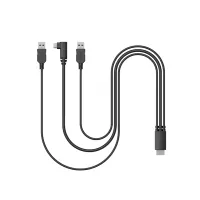
ACW79 3-in-1 Kabel für Magic Drawing Pad

€7,99 /€11,99
33% Rabatt
https://resource.xp-pen.com/Uploads/goods/20250813/hRdLpKeCimWUY6g2AFVd_200_200.webp

Fenix Stifthalter

€6,99 /€9,99
30% Rabatt
https://resource.xp-pen.com/Uploads/goods/20240729/8Ns1SgMiJTuIFWAwXWOz_200_200.webp

ACK05 Keyboard

€49,99 /€59,99
17% Rabatt
https://resource.xp-pen.com/Uploads/de/goods/20220613/a74b7c4dd0c6ff68b50b1d8d3060c816_200_200.webp

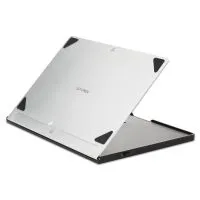
ACS05 Portabler Ständer

€29,99 /€39,99
25% Rabatt
https://resource.xp-pen.com/Uploads/de/goods/20220328/010e245204e05119469fc14d9e4750c2_200_200.webp

Ersatz Filzspitzen (Android 14 - PD51A / Android 12 - PD04A)

€9,99 /€14,99
33% Rabatt
https://resource.xp-pen.com/Uploads/thumb/goods/92306/5d8424cb8b4822c8f7bb2cf6becf5bca_thumb_200_200.webp

Ersatz Spitzen (Android 14 - PD51A / Android 12 - PD04A)

€6,99 /€9,99
30% Rabatt
https://resource.xp-pen.com/Uploads/thumb/goods/964/68d5d10608b5ee9c90f57533e169d59a_thumb_200_200.webp

AC18 Ständer

€39,99 /€49,99
20% Rabatt
Mehr erfahren

Mengen

€539,99€599,99
X-CoinsMelde dich an und erhalte beim Kauf voraussichtlich 600 X-Coins
seel-icon

Worry-Free Delivery® available with seel

Payment icon 0Payment icon 1Payment icon 2Payment icon 3Payment icon 4Payment icon 5Payment icon 6
Logistik:

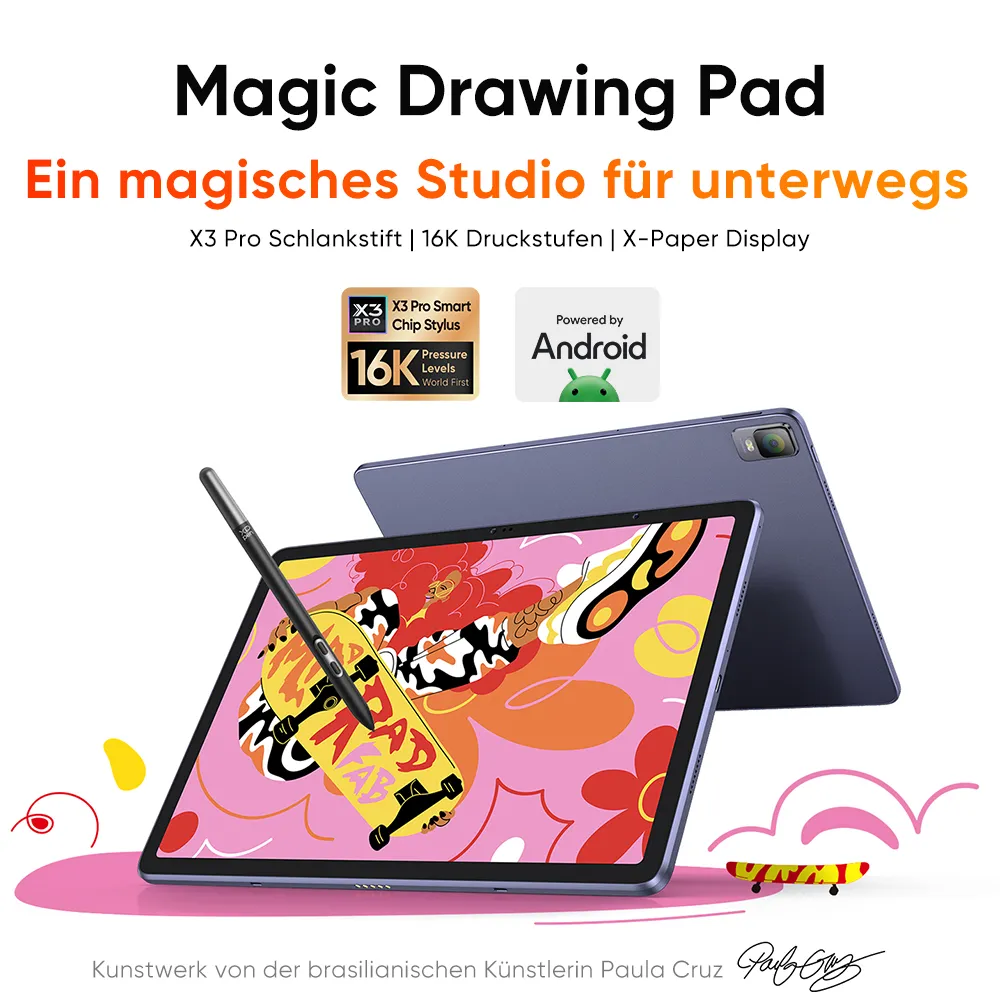
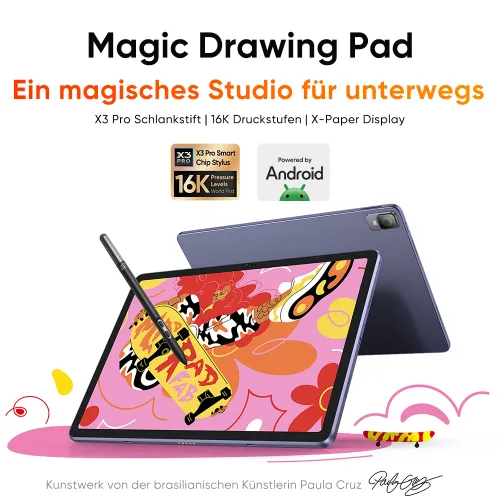
Magic Drawing Pad

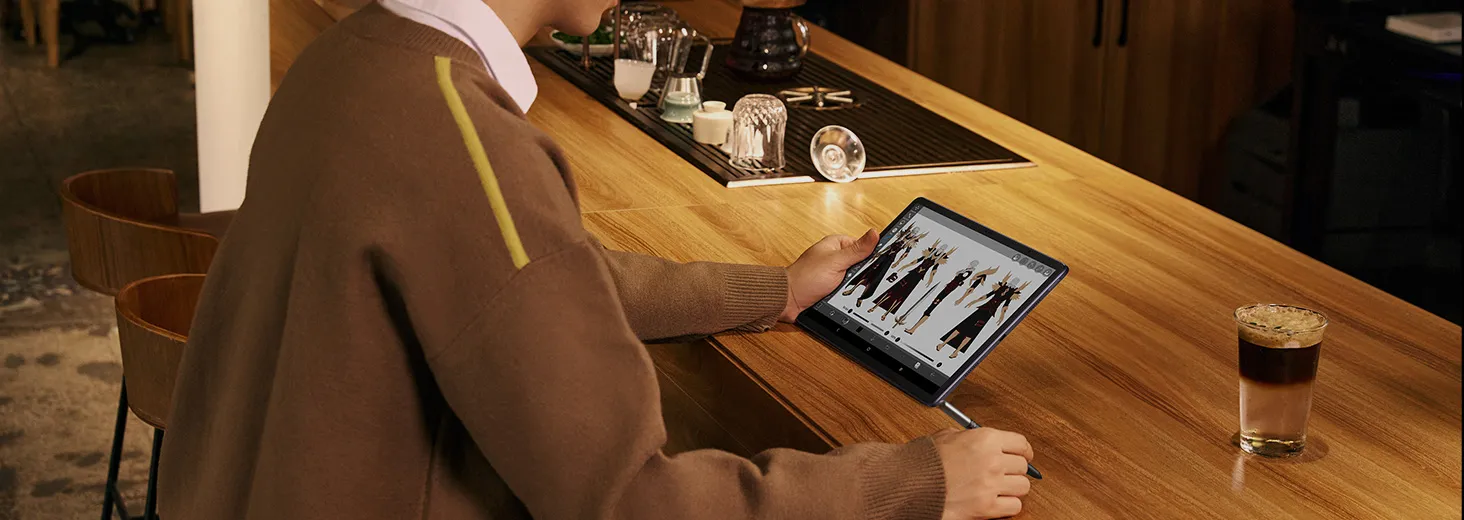
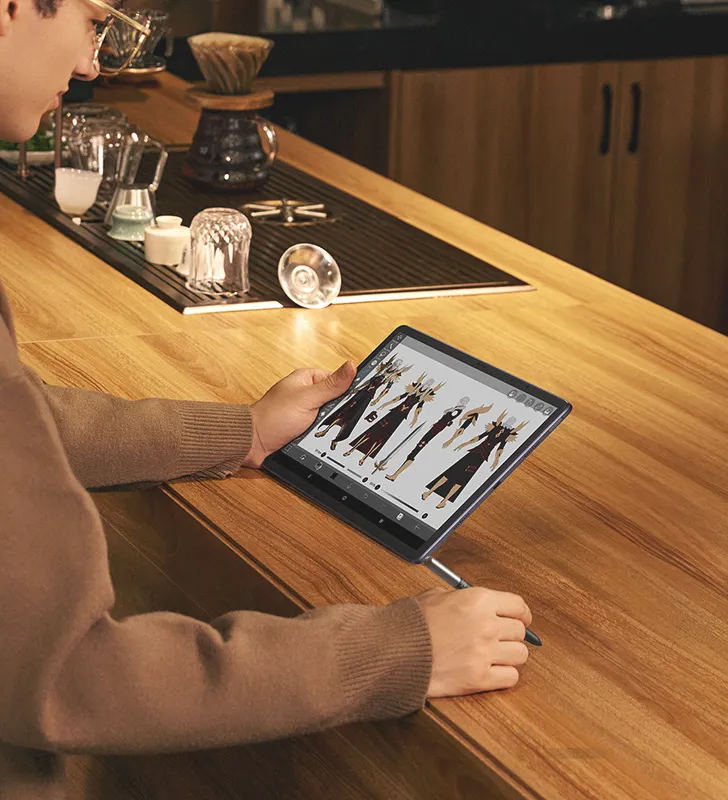
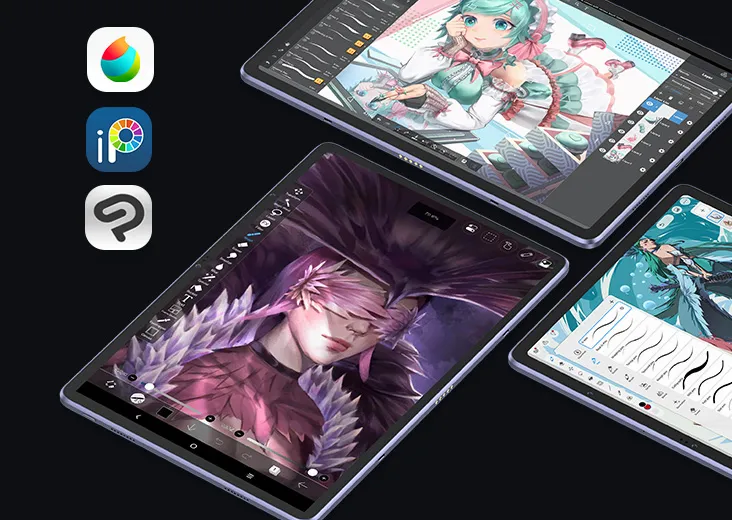
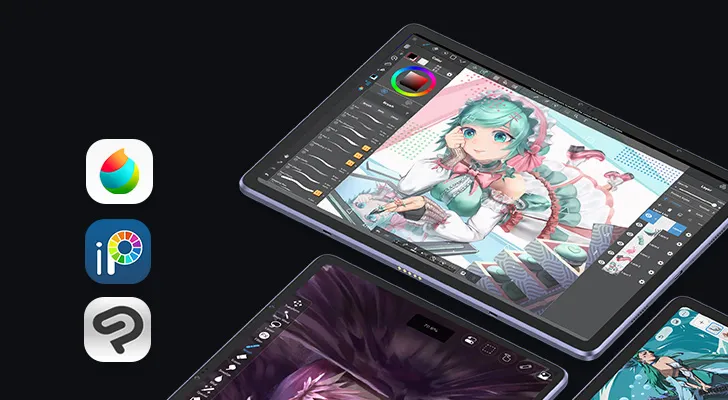
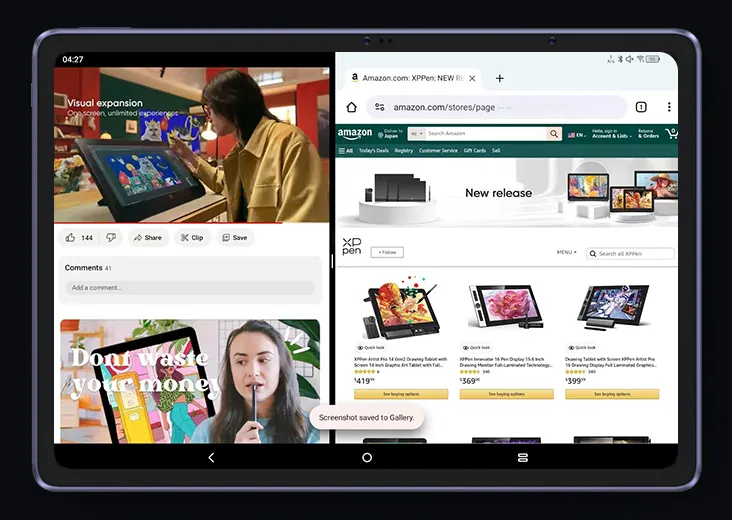
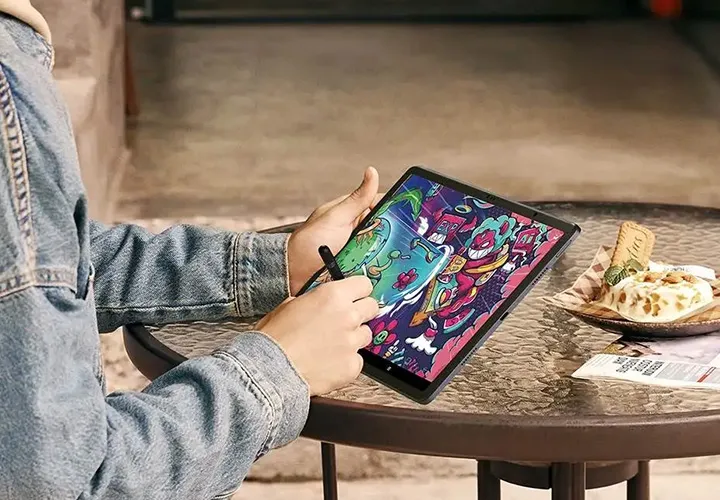
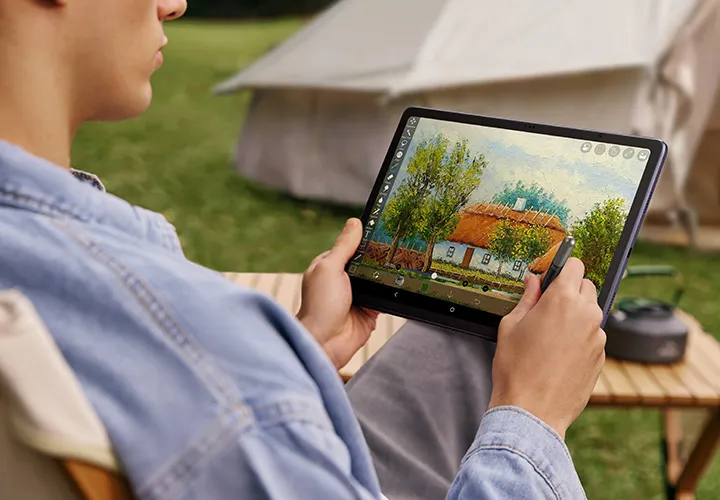
Ein magisches Studio für unterwegs

X3 Pro Pencil | 16K Druckstufen | X-Paper-Display

image
image

Kunstwerke der brasilianischen Künstlerin Paula Cruz image

Einführung des Grafikdisplay-Modus:
Ein Kabel, kein Aufwand

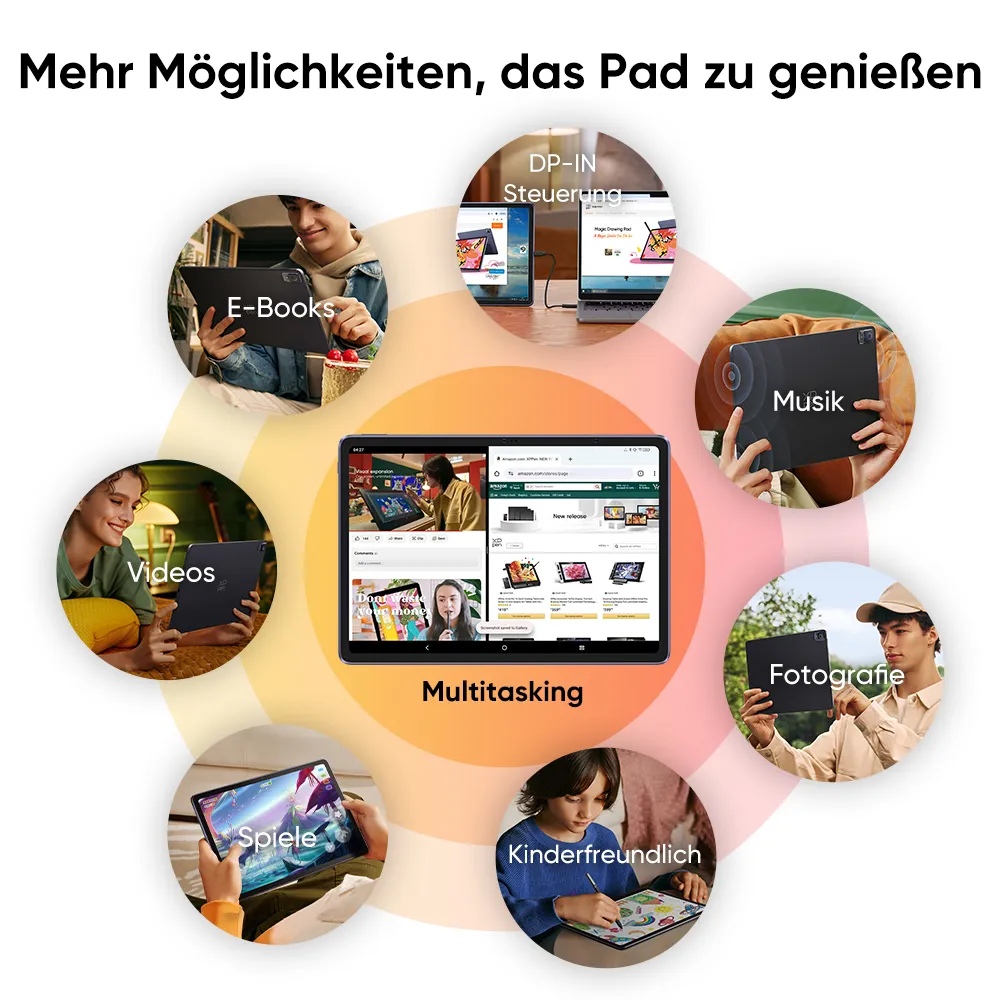
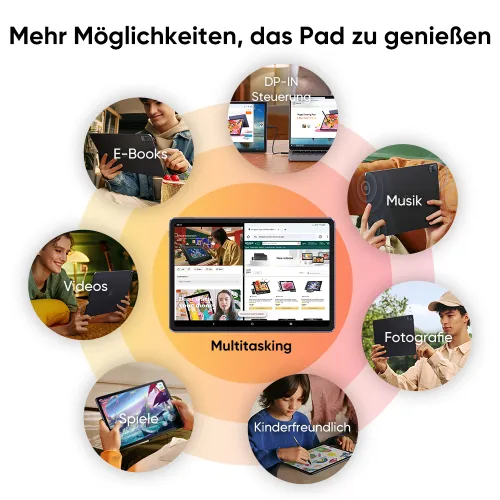
Verbinden Sie Ihr Gerät mit einem voll funktionsfähigen USB-C-Kabel und klicken Sie auf "DP-in Bildschirmfreigabe".
So einfach sind Sie bereit! Verwandeln Sie Ihr Magic Drawing Pad in ein professionelles Grafikdisplay.

* Exklusiv für Modell: MDP1221. Es wird empfohlen, das im Lieferumfang enthaltene voll funktionsfähige USB-C-Kabel zu verwenden.

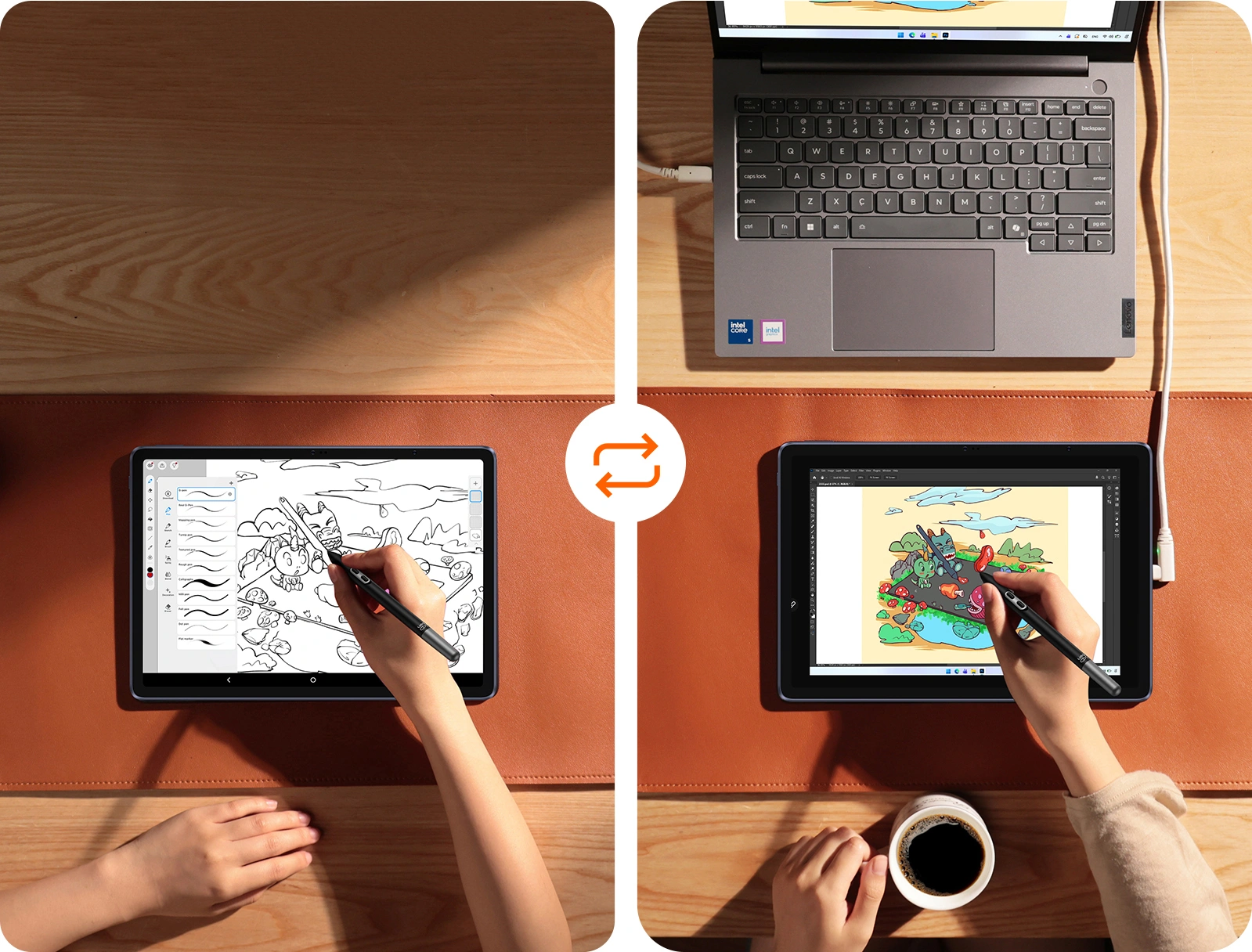
Von mobilem Skizzieren zu
Desktop-Verfeinerung

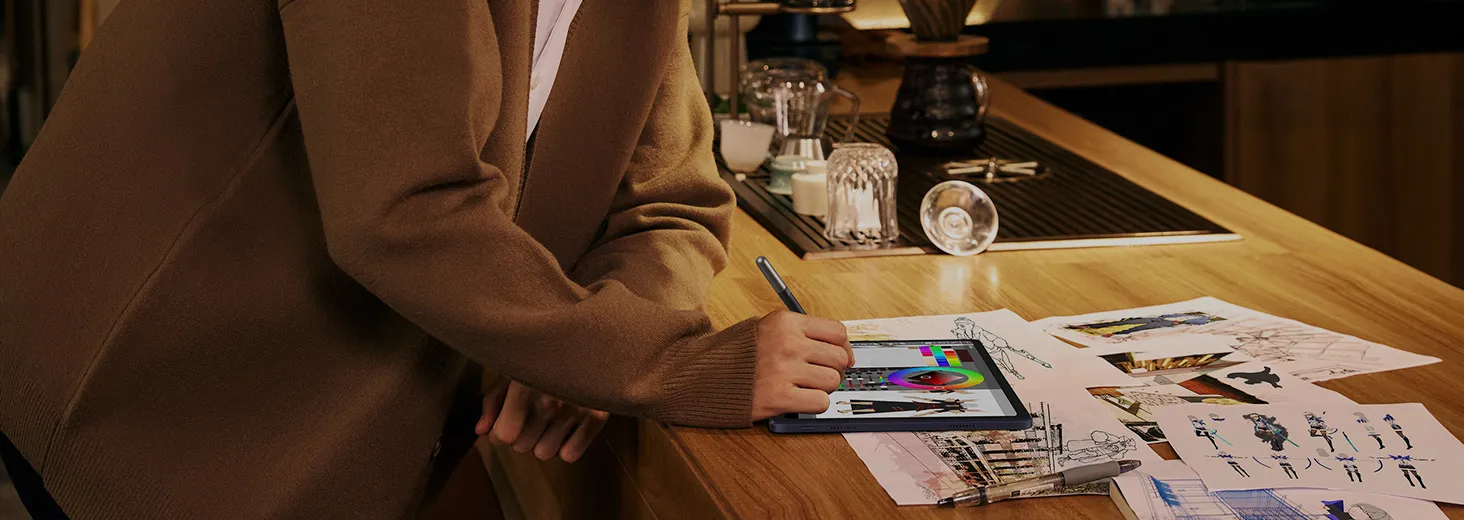
Skizziere unterwegs frei und unabhängig auf dem Magic Drawing Pad. Verbinde es anschließend mit deinem PC oder Mac und erstelle deine Arbeiten genauso wie am Computer.
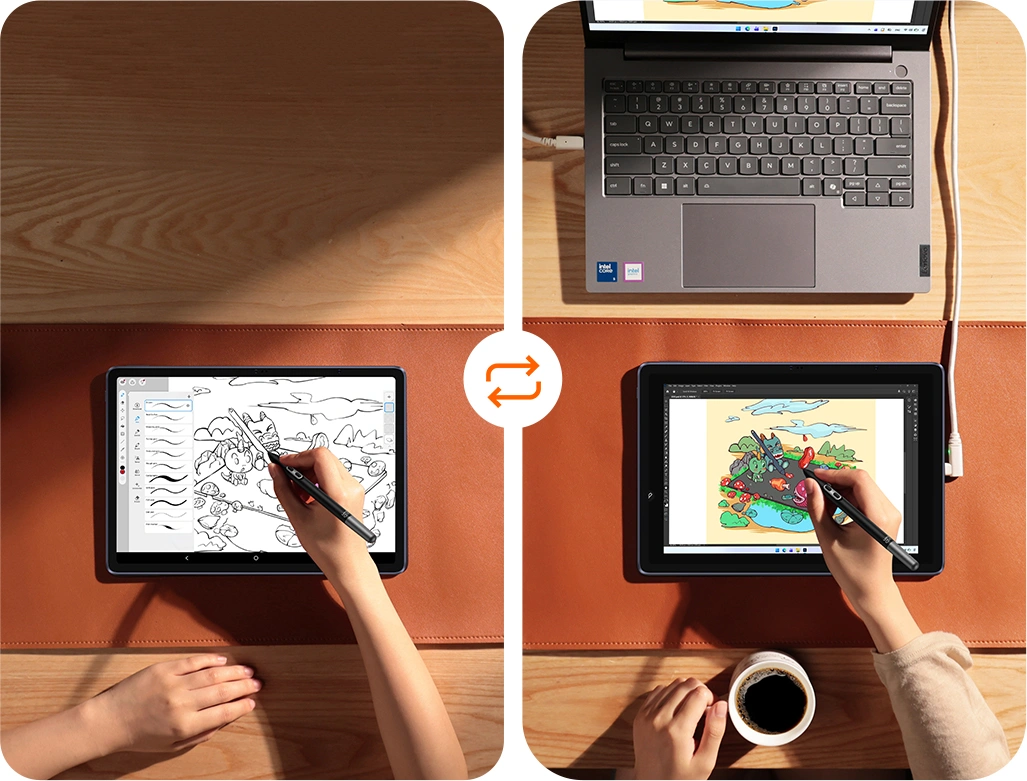
Hardware-Konnektivität vs.
Software-Simulation

Unsere hardwarebasierte DP-IN-Verbindung bietet dieselbe Farbgenauigkeit, 16K-Druckempfindlichkeit und extrem niedrige Latenz wie ein professionelles Pen Display.

Grafikdisplay-Modus
(Hardware)
Drittanbieter-Apps
(Software)

ÜbertragungHardware DP-INKomprimierter Datenstrom

Druckstufen16384 (16K)Eingeschränkt oder emuliert

LatenzUltra-niedrigWahrnehmbare Verzögerung/Jitter

Farbe1:1 FarbtreueFarbverzerrung

KonnektivitätSofortige Verbindung mit einem KabelTreiberinstallation und Pairing erforderlich

InteraktionPräzises Hover & NeigungNicht verfügbar

XPPen ArtMobile

image

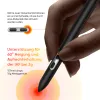
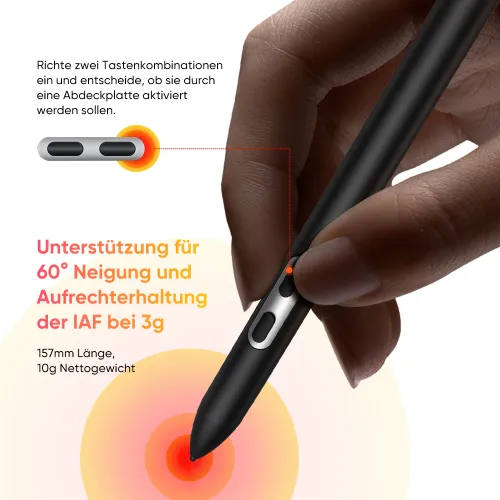
X3 Pro Stift

image

16K Druckstufen

imageimage

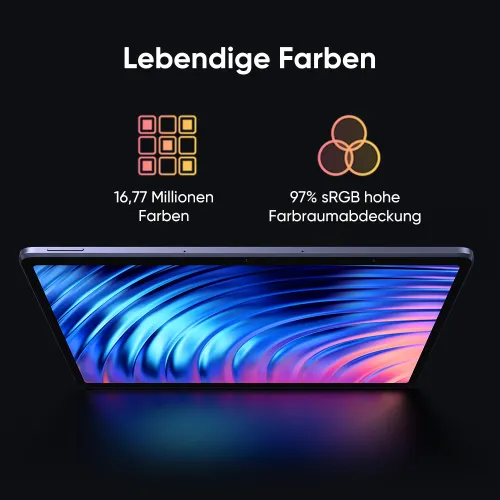
X-Paper-Display

imageimage

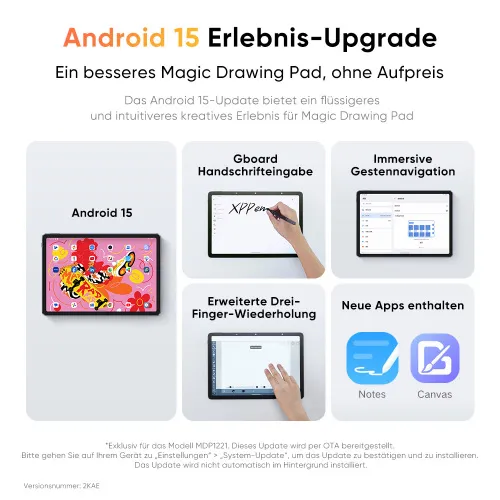
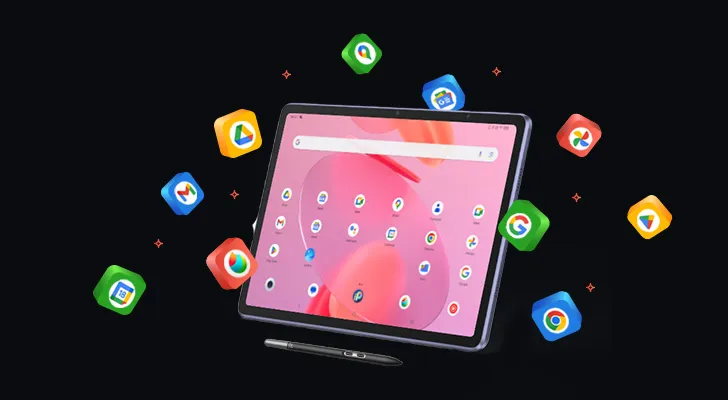
Vorinstallierte Apps

imageimage

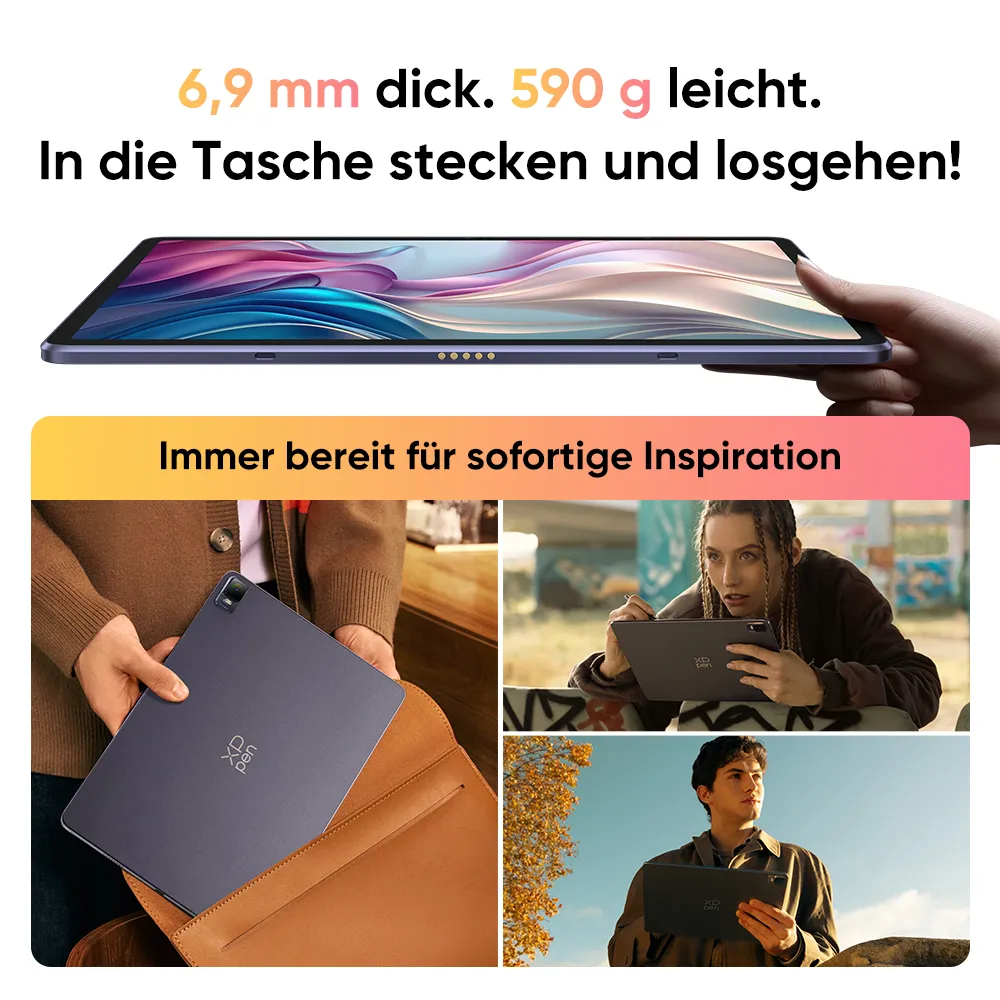
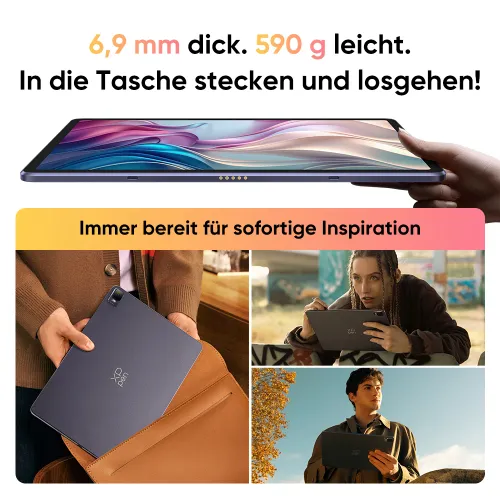
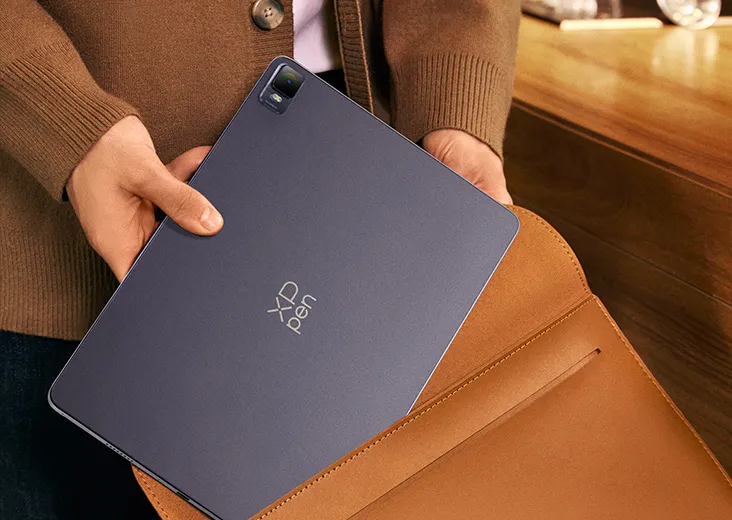
Wunderbar tragbar

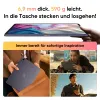
Dicke: 6,9 mm
Gewicht: 599 g

Lieferumfang

*Das Netzteil ist in einigen Gebieten nicht enthalten, vorbehaltlich des tatsächlichen Packungsinhalts.

image

1 x Tablet

image

1 x Stift

image

1 x Handschuh

image

1 x Spitzenabzieher

image

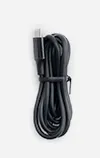
1 x Ladekabel

image

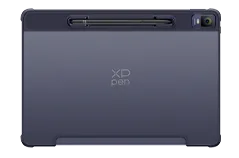
1 x Schutzhülle

image

8 x Stiftspitze

image

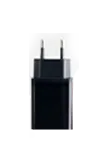
1 x Netzadapter*

image

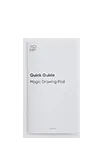
1 x Schnellanleitung

image

1 x Garantiekarte

Optionale Zubehöre für Magic Drawing Pad

image

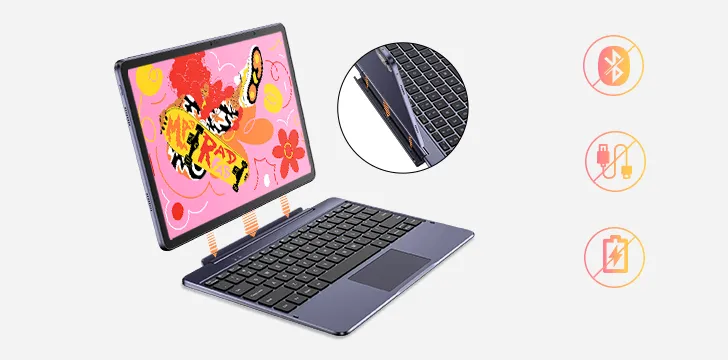
XPPen Smart Keyboard

image

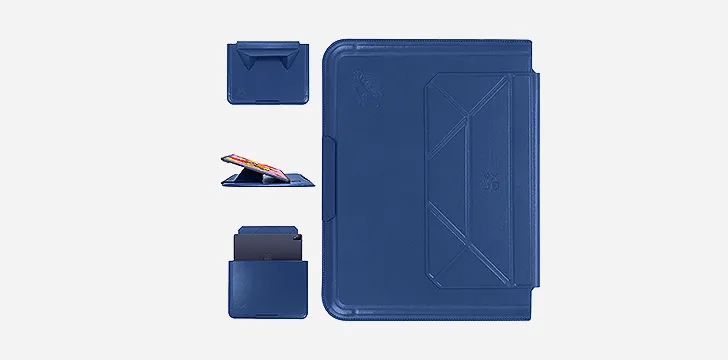
XPPen Tablet Sleeve Bag

image
Magic Drawing Pad
kostenlose Kreativsoftware
Mehr erfahren >

Lieferumfang

1 x Tablet

1 x Stift

1 x Schutzhülle

1 x Netzadapter*

1 x Ladekabel

8 x Stiftspitze

1 x Spitzenabzieher

1 x Handschuh

1 x Schnellanleitung

1 x Garantiekarte

*Das Netzteil ist in einigen Gebieten nicht enthalten, vorbehaltlich des tatsächlichen Packungsinhalts.

  • Spezifikationen

  • Mehr anzeigen

Bewertungen
4.6
Basierend auf 12
Motschas
Feb 05 ,2024 AM 07:09Magic Drawing Pad
I absolutely love it!
I am very happy with my purchase! Bought myself an IPad for drawing in 2018 but got never really used to it, and skipped digital drawing all together. Now I am motivated again and this REALLY is a great tablet! It feels solid, good quality and drawing on it is so much more fun. An IPad of that size would have been SO much more expensive, and this is an all inclusive, and it just feels great! The Matt surface is really nice and the pen is a little thin but absolutely comfortable even for me. I'm VERY happy with it, I don't regret it and will definitely keep my eye out for Xppen in the future as well!
+1
XFANSy3001ypr
Feb 05 ,2024 PM 18:47Magic Drawing Pad
High recommendation
I wanted to get a graphics tablet since a long time already, but never got one since I was afraid I will buy one expensive one and then just have it collect dust somewhere. Friends who also draw told me I should rather get a normal tablet for that (specifically "Just buy an IPad) however those are even in smaller variations also pretty expensive, Samsung options too tho. Now I saw XPPen having this Tablet option and so I thought now is the time to get one. So far it has been nice to draw on it. In the package you will receive the tablet, the XP Pro Pen (wireless), a glove for wearing while drawing, spare tips for the pen aswell as a protective hull for the tablet that fits nicely. For the price that's really incredible compared to for example an IPad. The pen while yes, being a bit small still is pretty nice to draw with. Another plus point is that even if you don't draw on it for some time, you still can use it as a normal tablet, watch videos on it or play some games, make notes etc. Of the time of the review there are no accessoires that can be bought sadly, I hope that this will change in some time. For example a protective screen for it. Or stuff like for the other pads that already exist. The wireless pen to that time also can't be bought yet (spare tips however can be bought) Besides that part which will definitly change at some time, it has been great so far and I can really recommend it especially for who starts drawing and doesnt know what to get.
+1
XFANSa7y9pw2o
Aug 13 ,2024 AM 01:38Magic Drawing Pad
Wonderful purchase
I really enjoyed working on this tablet! He's wonderful! The only thing that’s a little frustrating is that the cursor is a little to the right of the pen, but I hope in the future they will release an update where this can be fixed)
+1
Mehr erfahren
Kundenfragen und -antworten
crodie
Nov 10 ,2026 AM 05:54Magic Drawing Pad
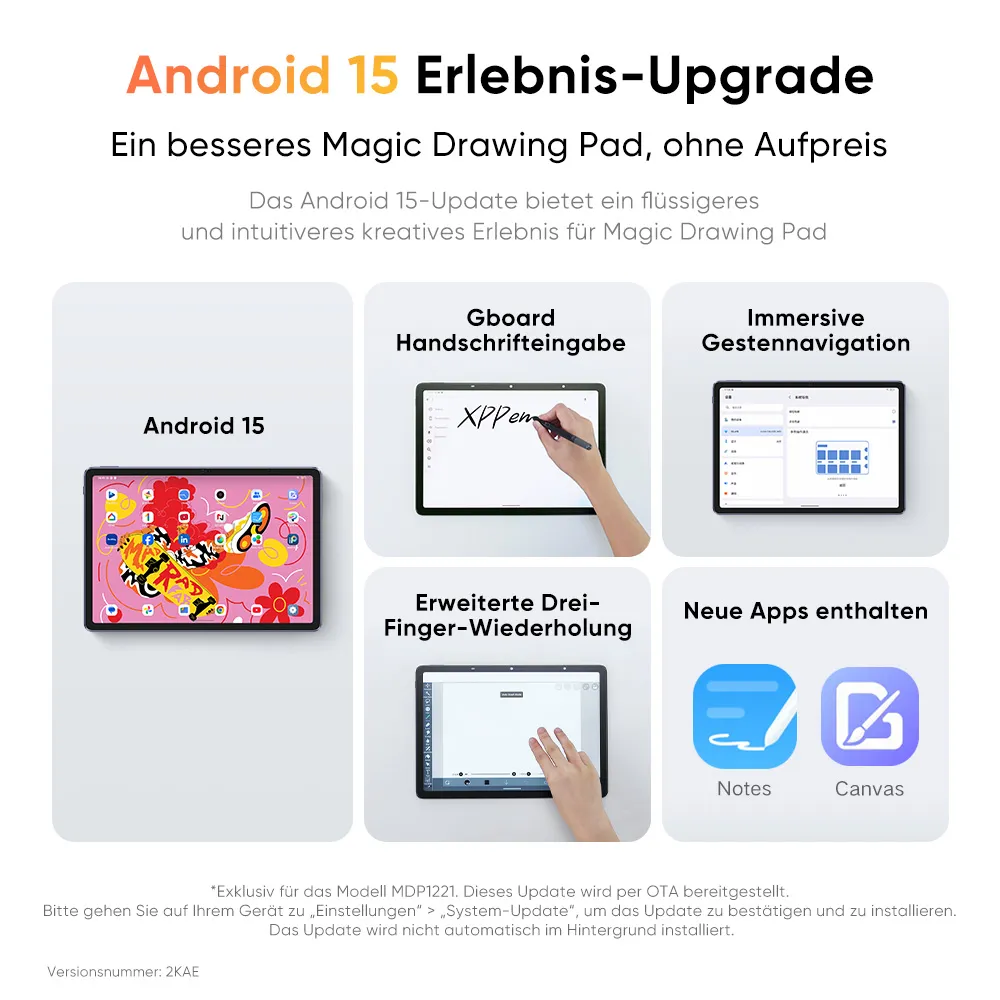
Dear XP-Pen Team, does this Tablet come with Android 15? On the spanish store, you can see an Android 15 Version available, but here in the product description it says Android 14. Thank you.
Antworten(1)
Official mall
Nov 10 ,2026 PM 14:36
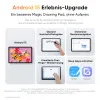
Hello, yes this tablet can now be upgraded to Android 15.
XFANS93hyw0ye
Nov 08 ,2026 PM 22:28Magic Drawing Pad
Hallo, kann man das Magic Drawing Pad auch als ganz normales Tablet benutzen? Also Apps runter laden, schreibprogramme, Spiele usw.?
Antworten(1)
Official mall
Nov 10 ,2026 PM 14:37
Hallo, ja es ist ein eigenständiges Pad, betrieben von Android. Es kann auch als normales Tablet verwendet werden.
XFANS5it7h6jh
Sep 01 ,2026 PM 22:41Magic Drawing Pad
Interested in purchasing the Xppen magic drawing pad. We are US. Forces/ NATO member with SOFA status entitled to tax-free (No VAT) shopping in Germany. Would this be possible? Thank you.
SpicedWolf
Jun 05 ,2026 PM 23:36Magic Drawing Pad
Hallo, ich interessiere mich für den Kauf des Magic Drawing Pad und habe eine Frage zum DP-IN-Anzeigemodus. Kann das Magic Drawing Pad im DP-IN-Modus direkt über ein DisplayPort-zu-USB-C-Kabel (DP → USB-C) an eine Grafikkarte angeschlossen werden, oder funktioniert DP-IN nur über eine USB-C-zu-USB-C-Verbindung? Falls DisplayPort-zu-USB-C unterstützt wird, empfehlen Sie ein bestimmtes Kabel oder einen Adapter?
Antworten(1)
Official mall
Jul 14 ,2026 PM 16:56
Hallo, DP-IN kann ausschließlich mit einem voll funktionsfähigen USB-C-zu-USB-C-Kabel verwendet werden. Ein DP-zu-USB-C-Kabel ist nicht geeignet, um eine Verbindung zur Grafikkarte herzustellen.
XFANS59941050
Apr 18 ,2026 PM 18:32Magic Drawing Pad
Hat das Drawing Pad auch drei Farbmodi?
Antworten(1)
Official mall
Jun 03 ,2026 AM 10:10
Nein, nur das Magic Note Pad hat drei Farbmodi.
XFANSbpok9ejm
Jul 15 ,2025 AM 11:36Magic Drawing Pad
Dear XP-Pen Team, the XP-Pen EU shop is already selling the Magic Drawing Pad(Gen2) running Android 14. Has the German Shop Description just not been updated yet or is it really still the old End of Life Android 12 version being sold here?
XFANSx92zhkmn
May 26 ,2025 PM 17:28Magic Drawing Pad
I´m working with Adobe - especially Adobe Illustrator. How well does the tablet work with that?
XFANSfi2b2hbn
Mar 31 ,2025 PM 20:53Magic Drawing Pad
Dear XPenTeam please think about Upgrading the Android version to 13 or even 14, some drawing apps like Clipstudio paint have already begun to not support android 12. Its also a big security issue, because android 12 does not get any security updates anymore. This tablet is so nice it would be a shame if it where to become unusable after 1-2 years, i already own 2 xp pen produkts and i dont think i would buy one again if the android version stays like this
Antworten(1)
Official mall
Apr 08 ,2025 AM 11:46
Hello, we have taken your concerns seriously and have already contacted CSP to resolve this issue. We want to ensure that our customers are satisfied and can continue to work optimally with our products. Soon we will present a solution to this issue. We thank you for your understanding and patience in this matter. Please keep an eye on us to stay informed about the latest developments.
XFANS389nj4np
Dec 22 ,2024 AM 08:58Magic Drawing Pad
can you connect to a monitor via usb?
Antworten(1)
XFANSxwaz7jb4
Sep 03 ,2025 AM 06:00
No Linux driver, like for the Artist 10 Gen.2 that I already have? :-/
XFANSy2sgreiw
Nov 27 ,2024 AM 04:01Magic Drawing Pad
Hello! I've had the drawing pad for a while now and it is fantastic so far, I have noticed though that the colors compared to the artist 16.5 pro is very desaturated, I have checked the settings but haven't found anywhere to change this, is there a way to make the colors more vibrant?
Mehr erfahren